First vault
Create a .rkvey vault, choose a strong master password, and understand the file preamble.
Your first QubKey vault holds all sensitive data in a single .rkvey file. Here is creation and initial setup.
During creation, QubKey generates a random salt, derives the master key via Argon2id, produces an encrypted recovery phrase, and initializes the vault structure (B-Tree index, WAL). All of this happens locally — no data is transmitted.
First vault creation flow
"Create vault"
Location + master password
Generates salt (32 B)
Argon2id → master key
Encrypts header / index
.rkvey (preamble)
Writes encrypted container
Header · Index · Compartments
Vault ready
Creating the vault
Launch QubKey — the welcome screen offers "Create vault" or "Open existing vault"
Home screen
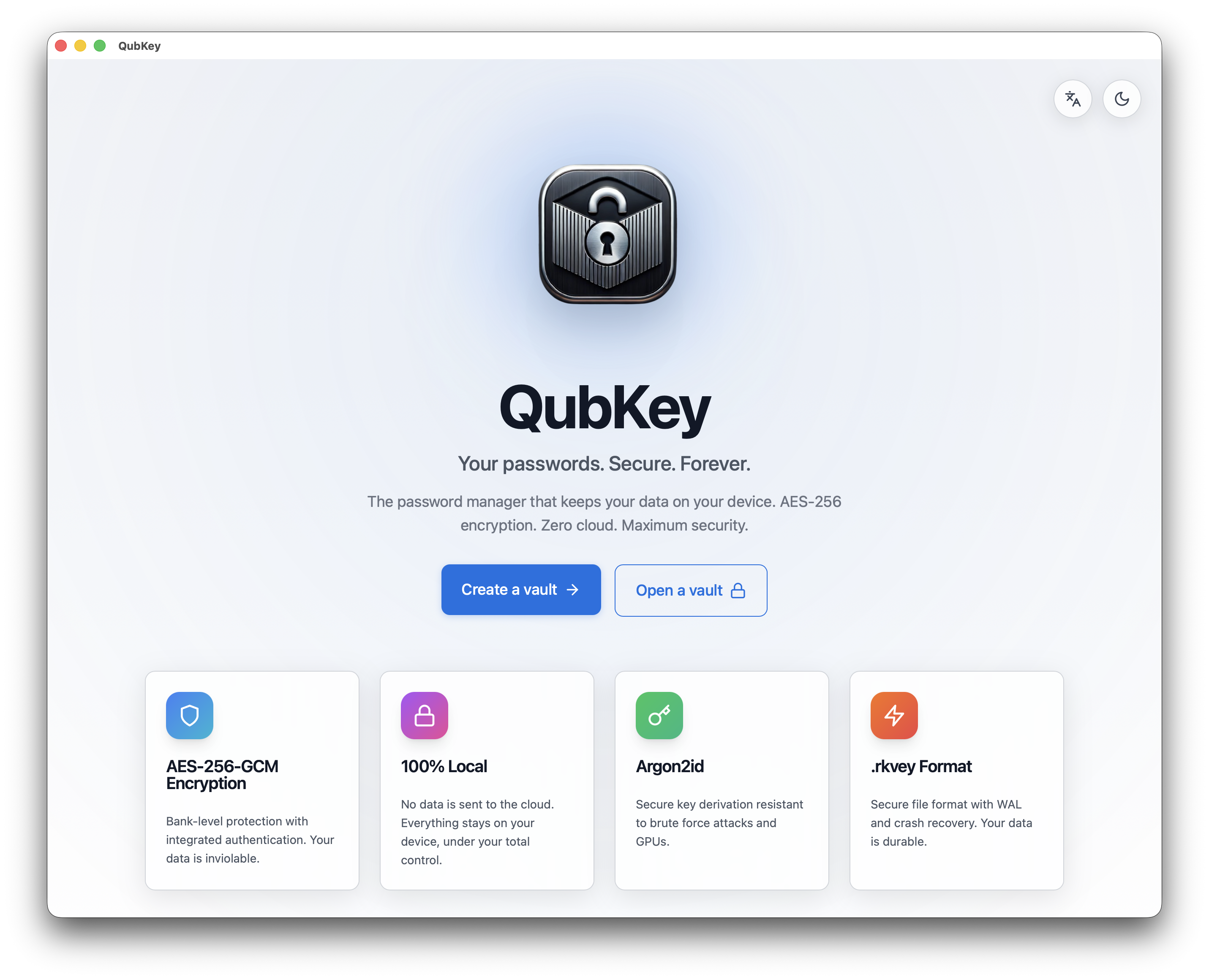
Click Create vault — the wizard shows the creation form
Create vault form
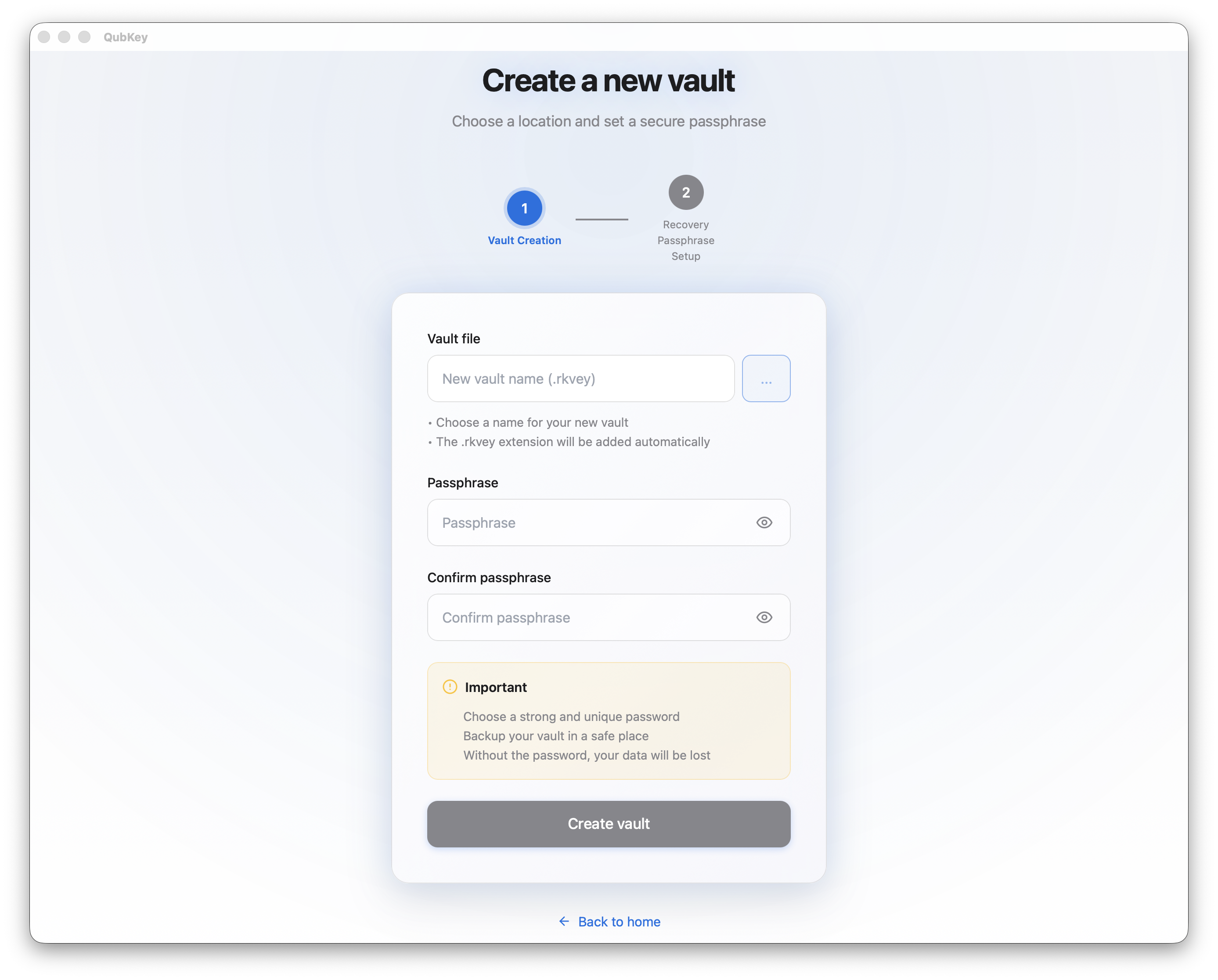
Choose a location — select a secure folder (Documents/QubKey recommended). Avoid synced folders while testing.
Vault location picker
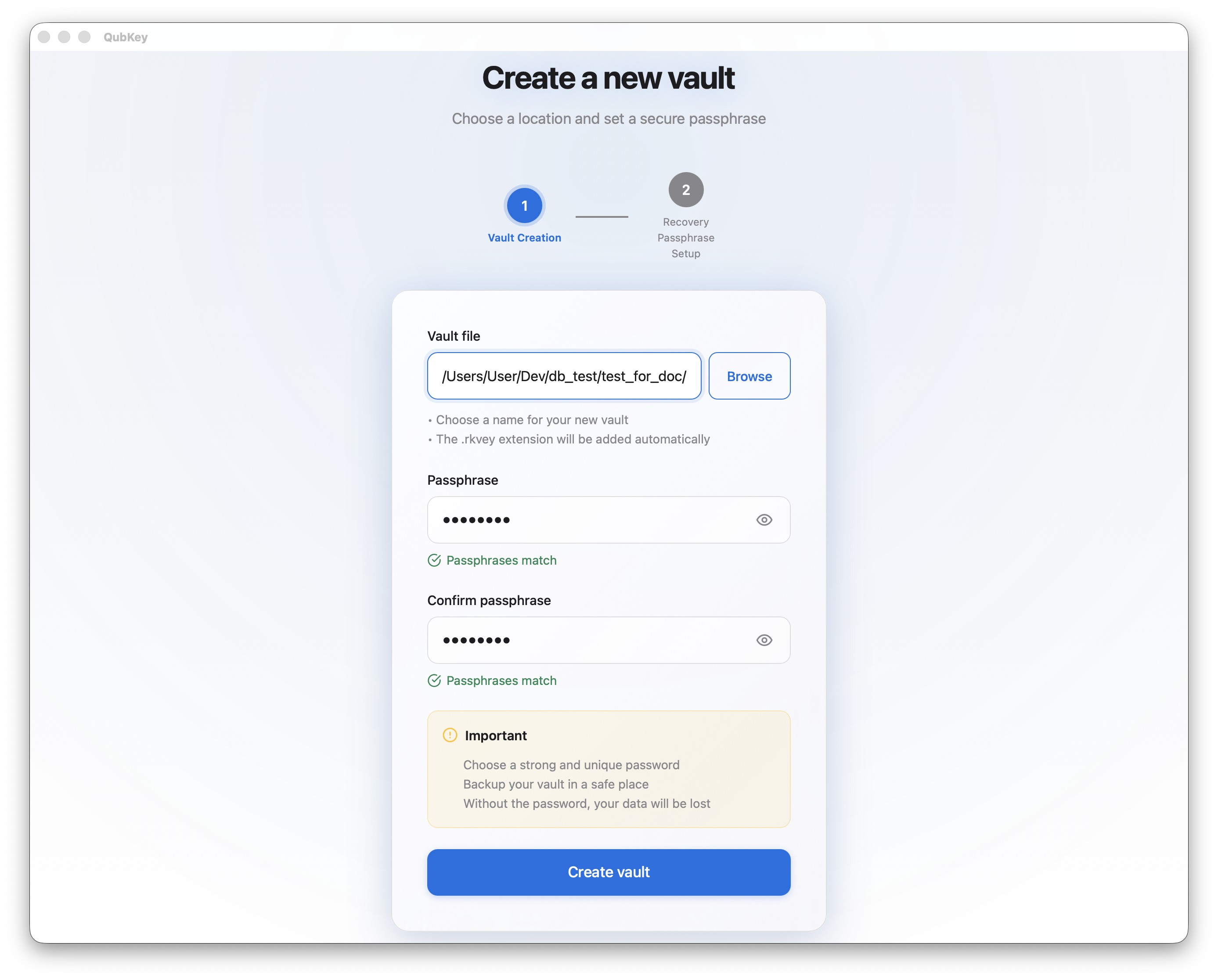
Set the master password — minimum 12 characters; use the strength meter (aim for green, 80+ entropy bits)
Master password entry
Set up recovery — QubKey offers to create a recovery phrase (recommended)
Recovery setup intro
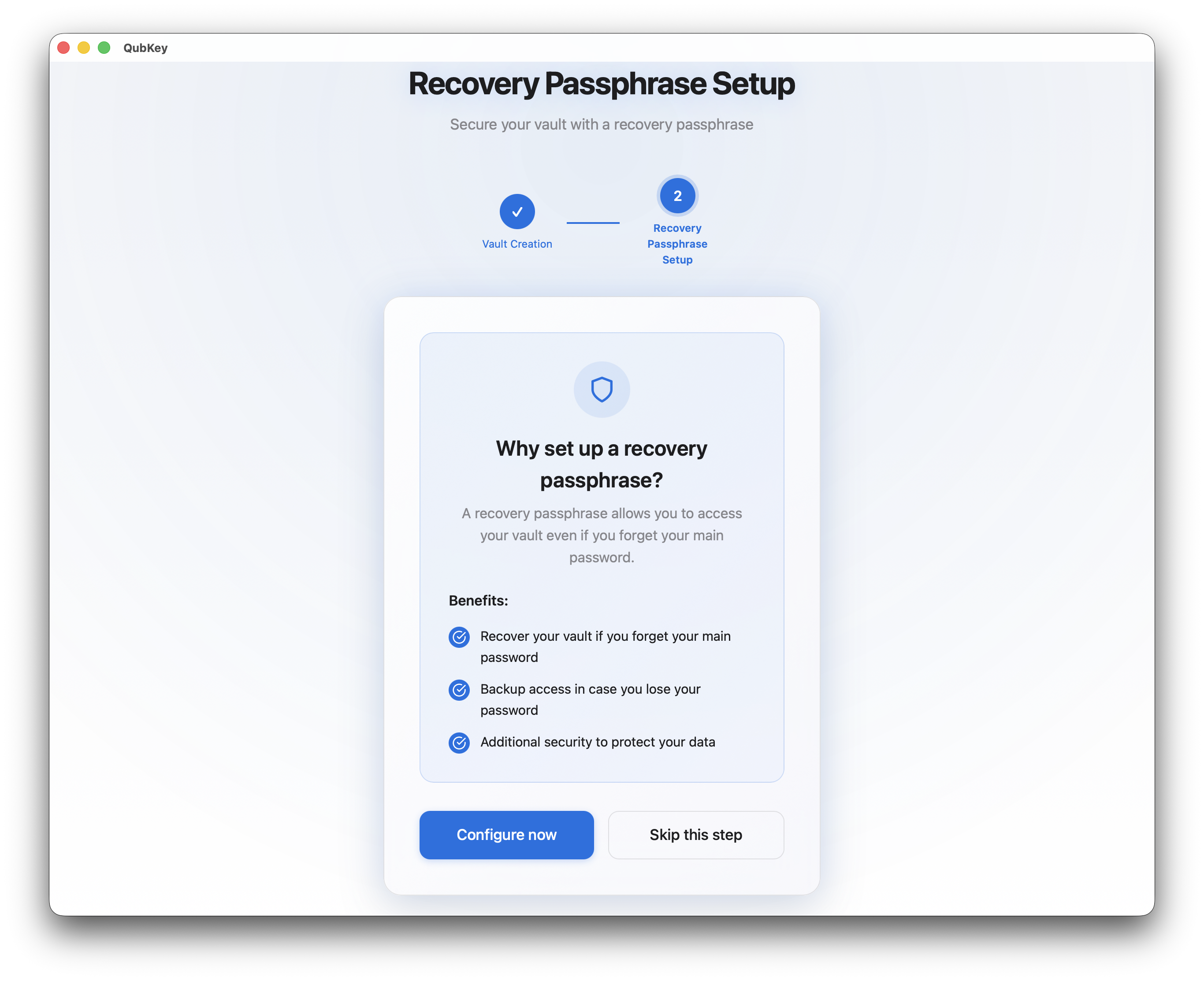
Save the recovery key — QubKey displays a phrase; print it or store offline (do not close without saving it)
Recovery phrase
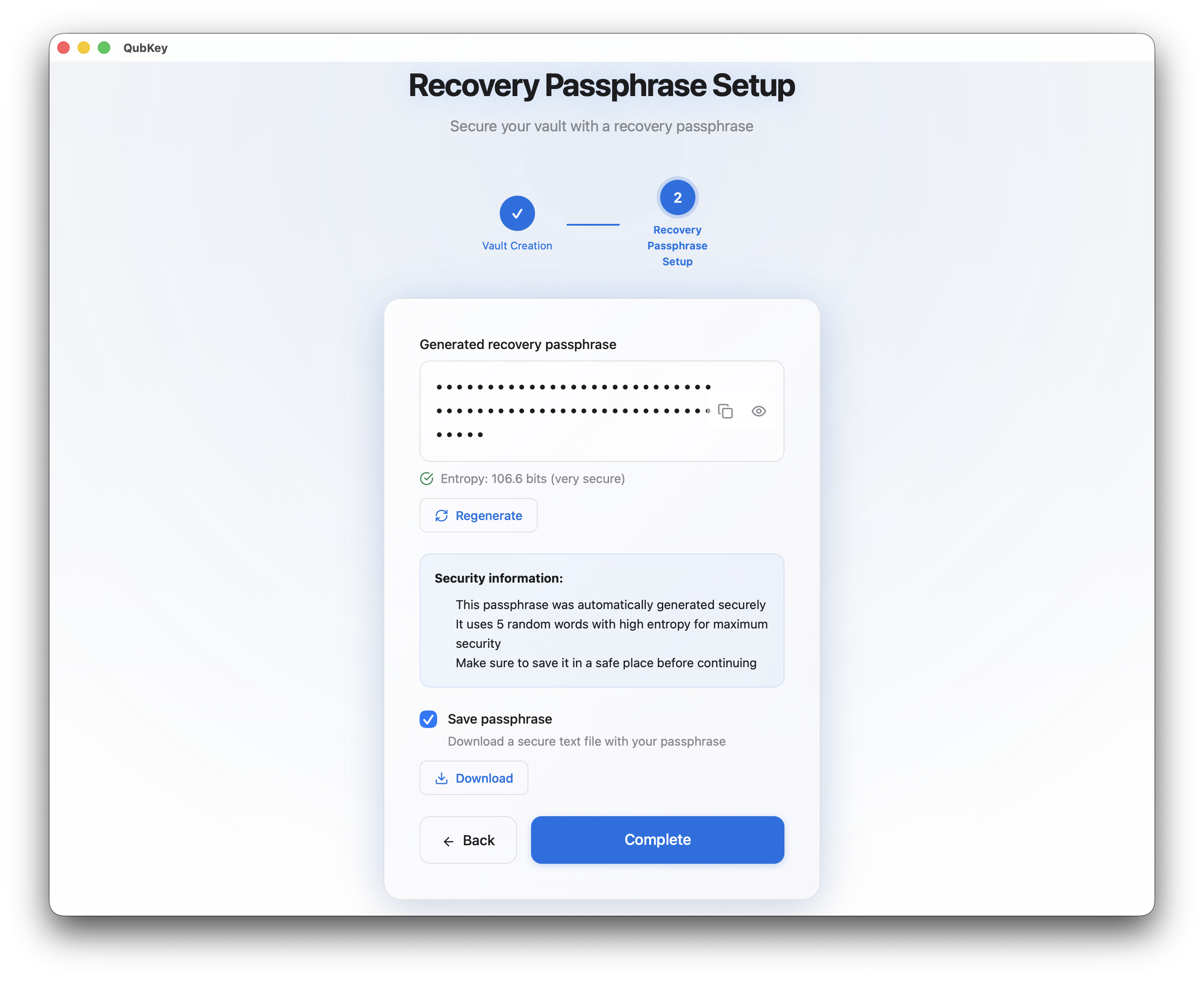
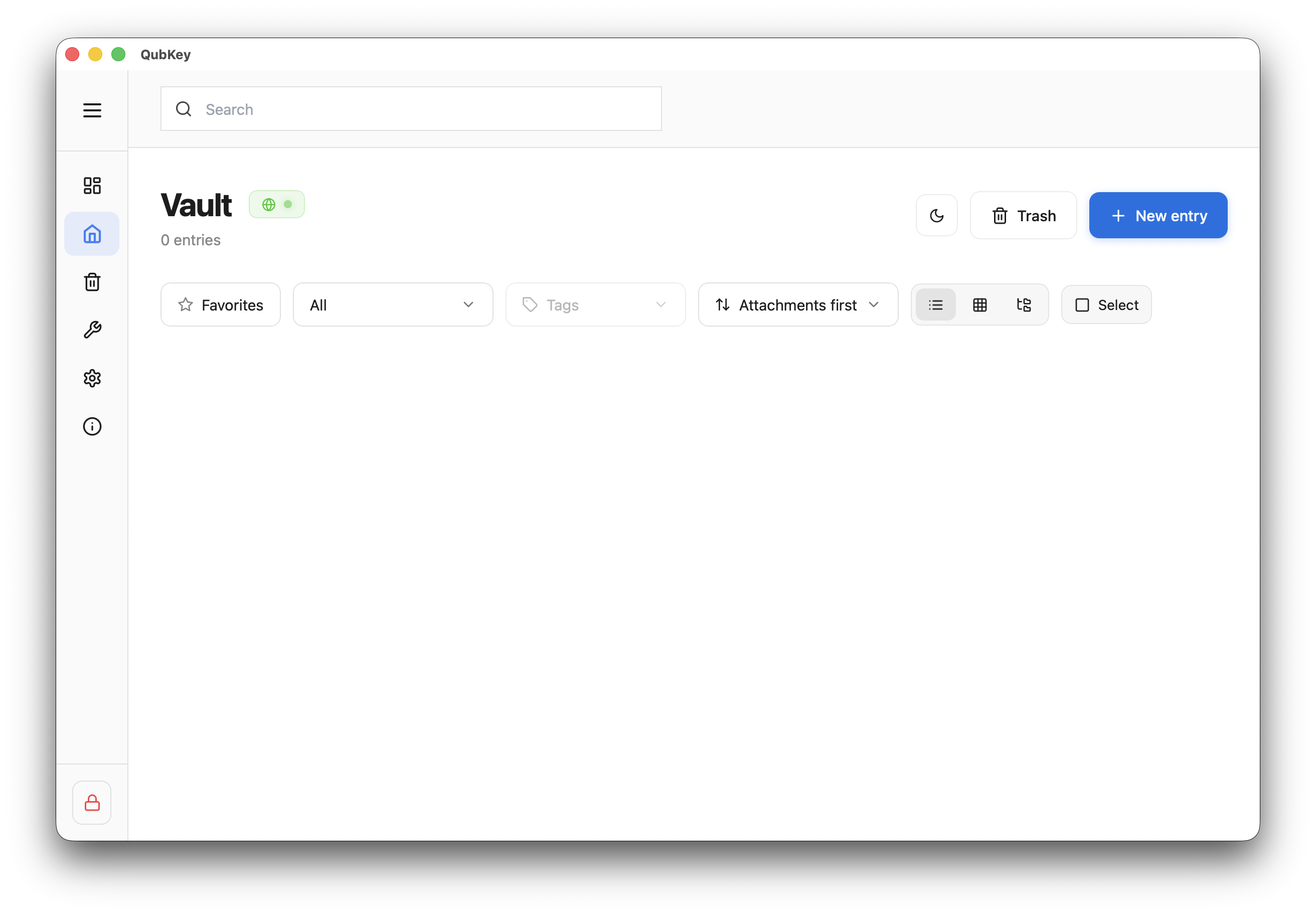
Confirm — QubKey generates keys, creates the .rkvey file, and unlocks the vault automatically
Vault created
Master password
Master password
The master password is the key to your vault. QubKey never stores it and cannot reset it on your behalf.
If you forget it, use the recovery key from the unlock screen: enter the saved phrase, then set a new master password.
Recommendations:
- Minimum 12 characters (ideal: memorable 4+ word passphrase)
- Mix uppercase, lowercase, numbers, and symbols
- Save the recovery key when creating the vault
Recovery key
Recovery key
During creation, QubKey generates a recovery phrase encrypted in the vault. It is your recovery method if you forget the master password.
Best practices:
- Print or write the phrase on paper, store it in a physical safe
- Keep it separate from the
.rkveyfile, on offline media - You can renew it later from vault settings
Important: take time to save this phrase — it is an integral part of your vault security.
.rkvey file
The .rkvey file is self-contained and portable — it holds everything: preamble (salt, version), encrypted index, entries, and WAL journal.
Common uses:
- Copy to a USB drive for backup or migration
- Place in Dropbox/iCloud/Google Drive (file stays encrypted)
- Create multiple vaults: personal, work, family (each with its own master password)
Security indicators
During creation and on each password change, QubKey displays indicators to help you choose strong credentials:
| Indicator | Display | Meaning |
|---|---|---|
Strength | Visual gauge | Red → Yellow → Green based on entropy |
Entropy | Bits | Estimated entropy bits (80+ recommended) |
Known exposure | Boolean | Have I Been Pwned check (optional) |
Argon2id | ~500ms | Calibrated derivation time to strengthen protection |
Backup
Backup
Recommended 3-2-1 strategy:
- 3 copies: original in
Documents/QubKey/+ iCloud copy + USB copy - 2 media: local disk + cloud or USB
- 1 offsite: encrypted cloud or physical safe in another location
Test a restore quarterly by opening the USB copy on another device.