Features
Settings
QubKey account, security, sync, backup, extension, and privacy.
The Settings page centralizes the QubKey account, security, appearance, language, extension, backups, sync, and privacy.
Access: sidebar → Settings. Changes are saved locally (or in the vault depending on the section).
Access settings
Unlock the vault
Sidebar → Settings
Settings page
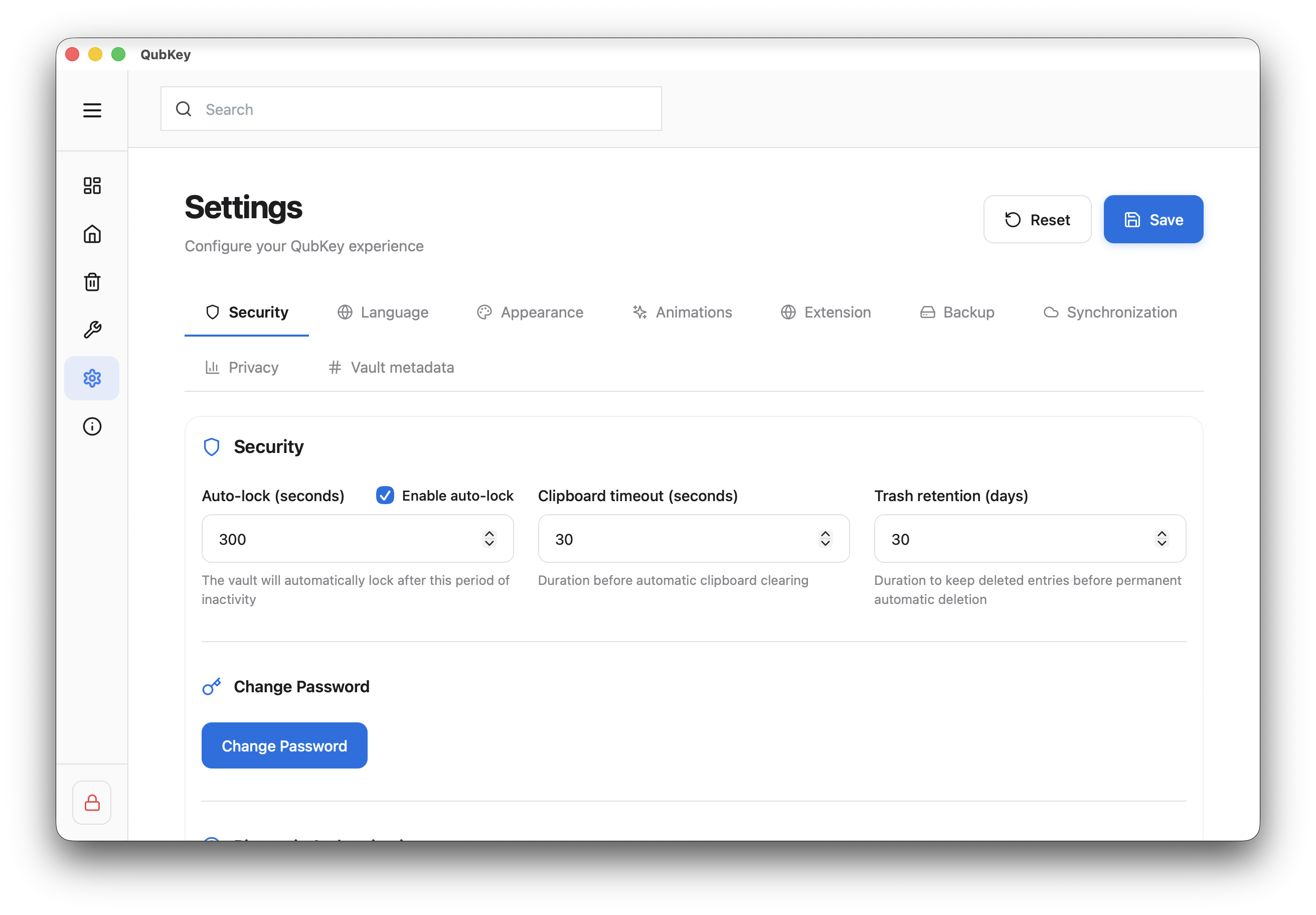
Switch between tabs — click Save or settings apply immediately depending on the section
Available tabs
Reset
The Reset button at the top restores default settings — it does not affect vault content or entries. Import/export remains independent.