Dashboard and security
Dashboard, health score, weak password analysis, and secret age.
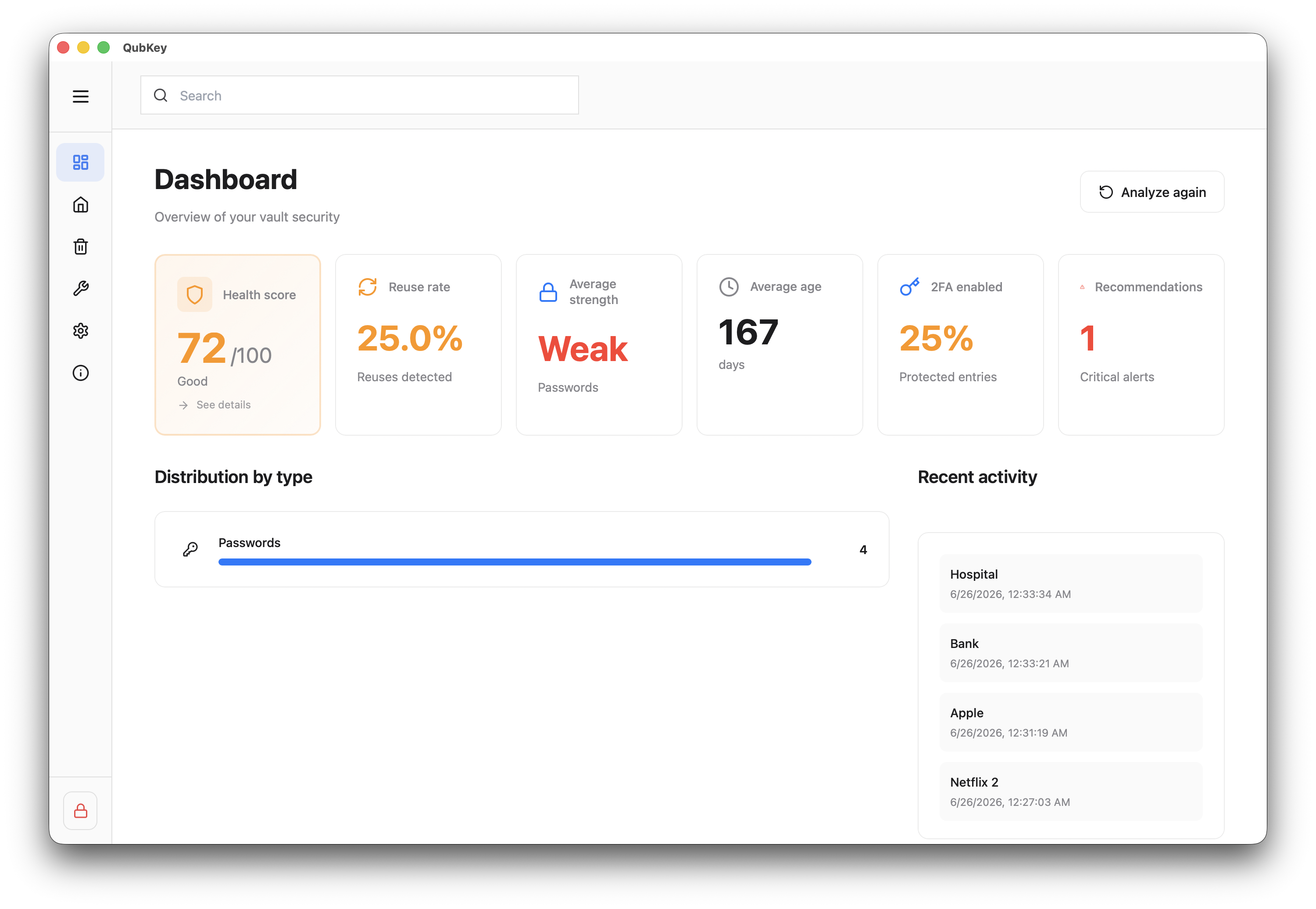
The dashboard provides an overview of vault health: overall score, recommendations, recent activity, and breakdown by entry type.
Security analysis details weak, reused, and old passwords and missing 2FA.
Dashboard
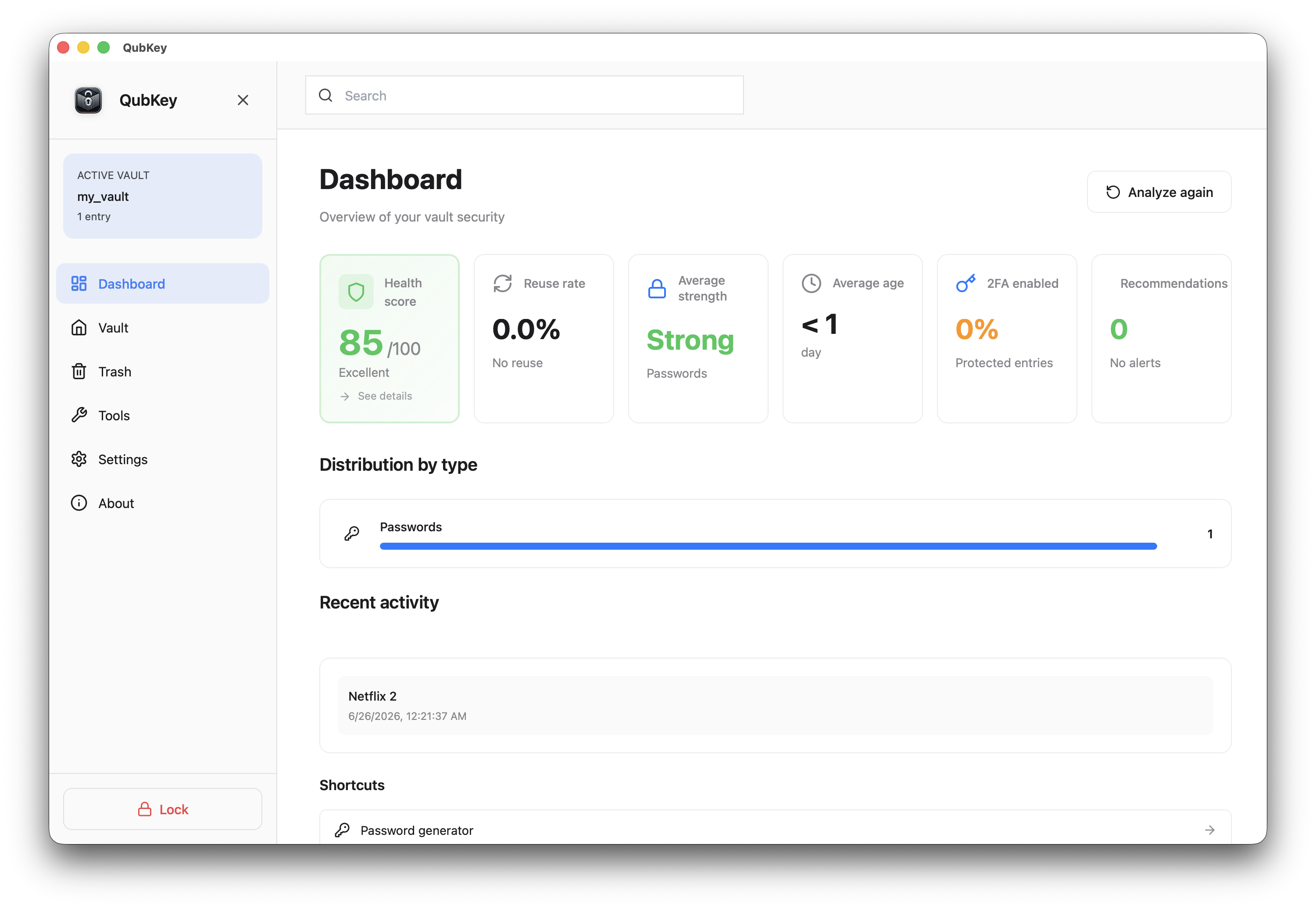
Read indicators
Cards shown: health score, reuse rate, average password strength, average age, 2FA percentage, critical recommendations count.
Dashboard metrics
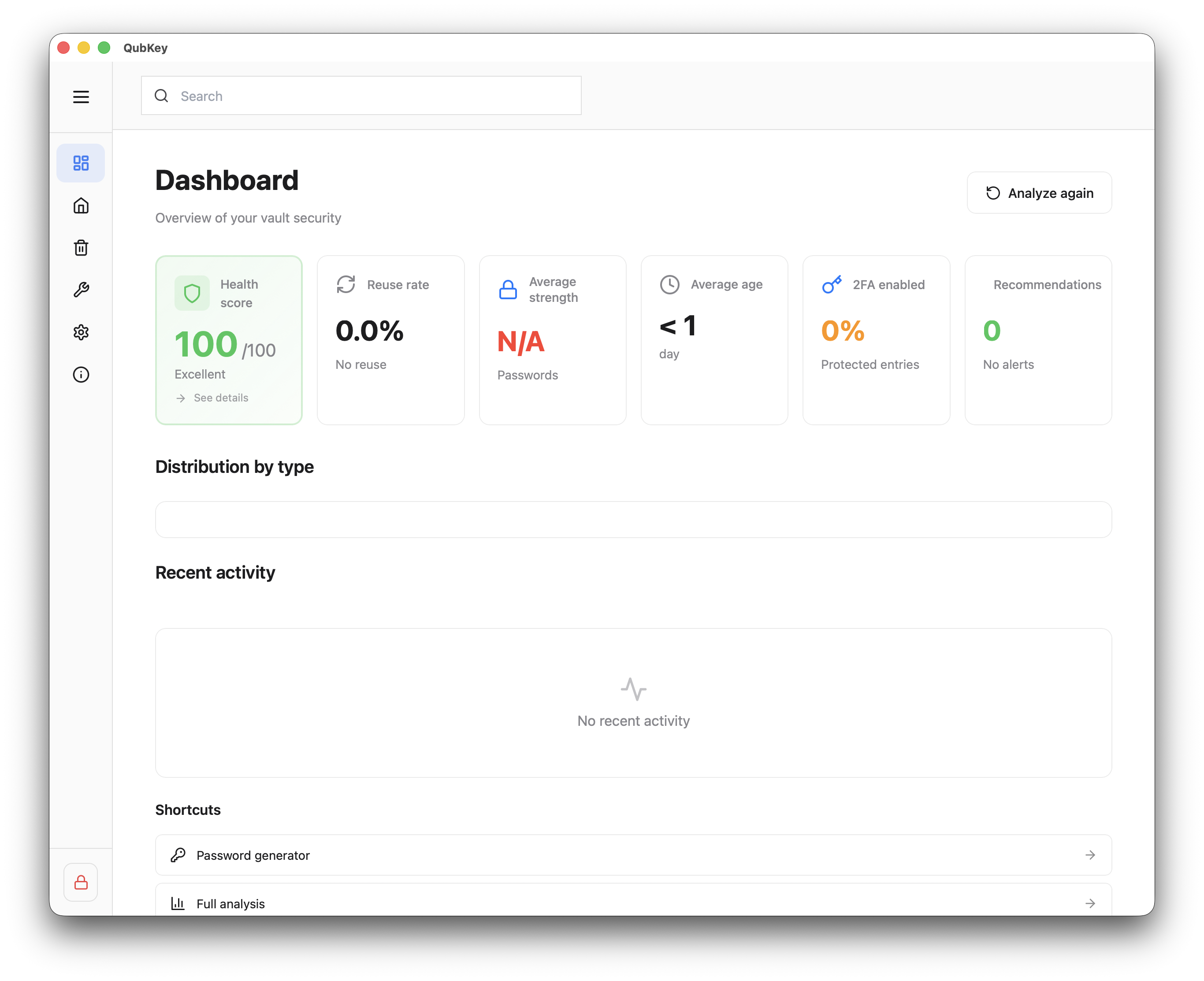
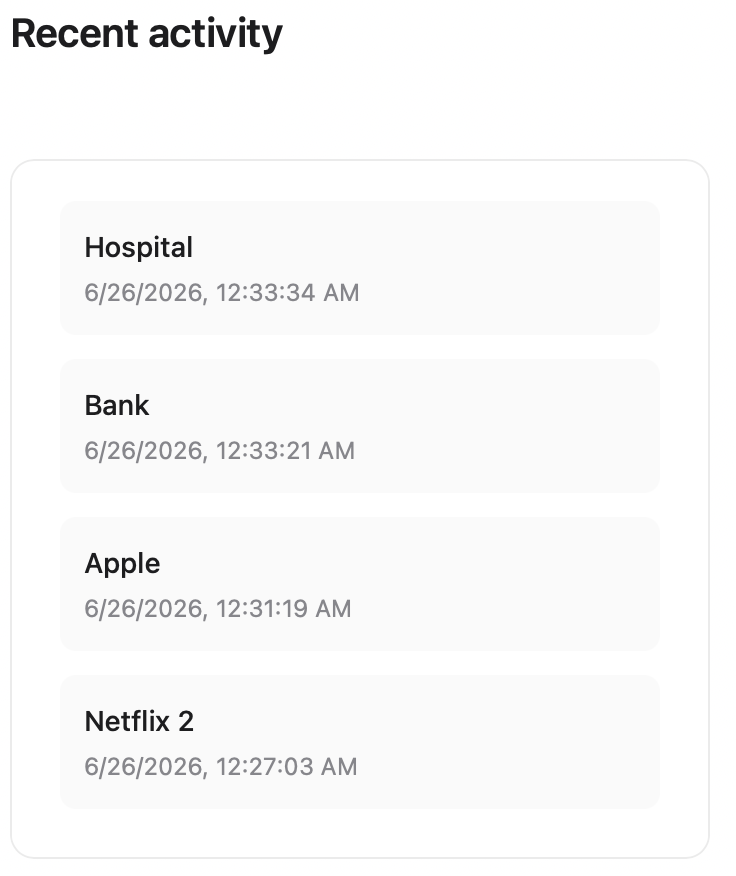
Refresh
Click the Refresh icon to recalculate metrics after major changes.
Secret age
From the dashboard, click Secret age (or equivalent card)
View distribution by buckets (e.g. < 90 d, 90–180 d, > 1 yr)
Secret age chart
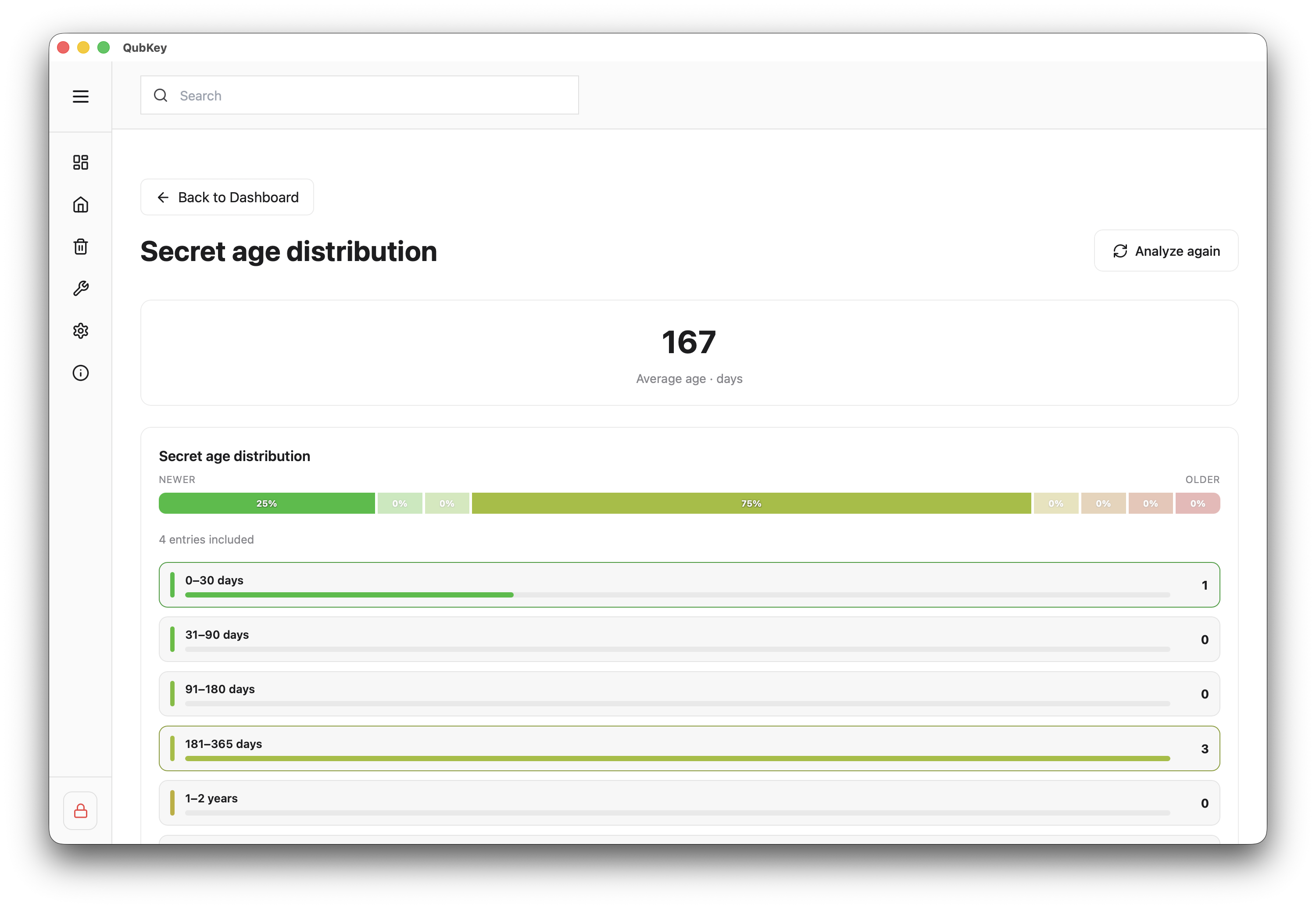
Click a bucket to see the filtered list of affected entries
Plan renewal for the oldest credentials
Security analysis
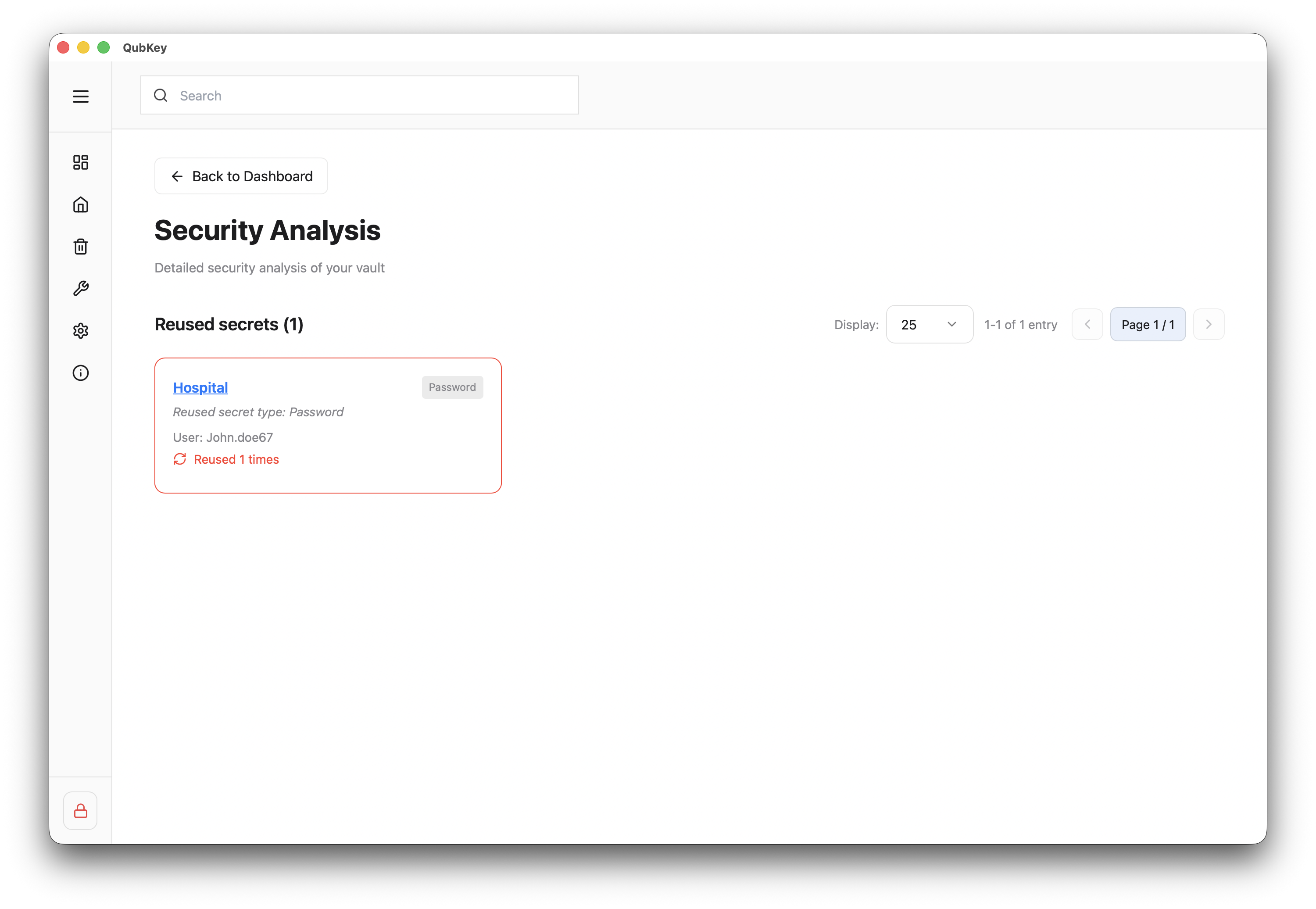
Analyzed categories
Tabs or filters:
- Weak passwords (insufficient entropy)
- Reused passwords (same secret on multiple entries)
- Old passwords (unchanged for a long time)
- Missing 2FA (Password entries without TOTP)
- With 2FA (good practices)
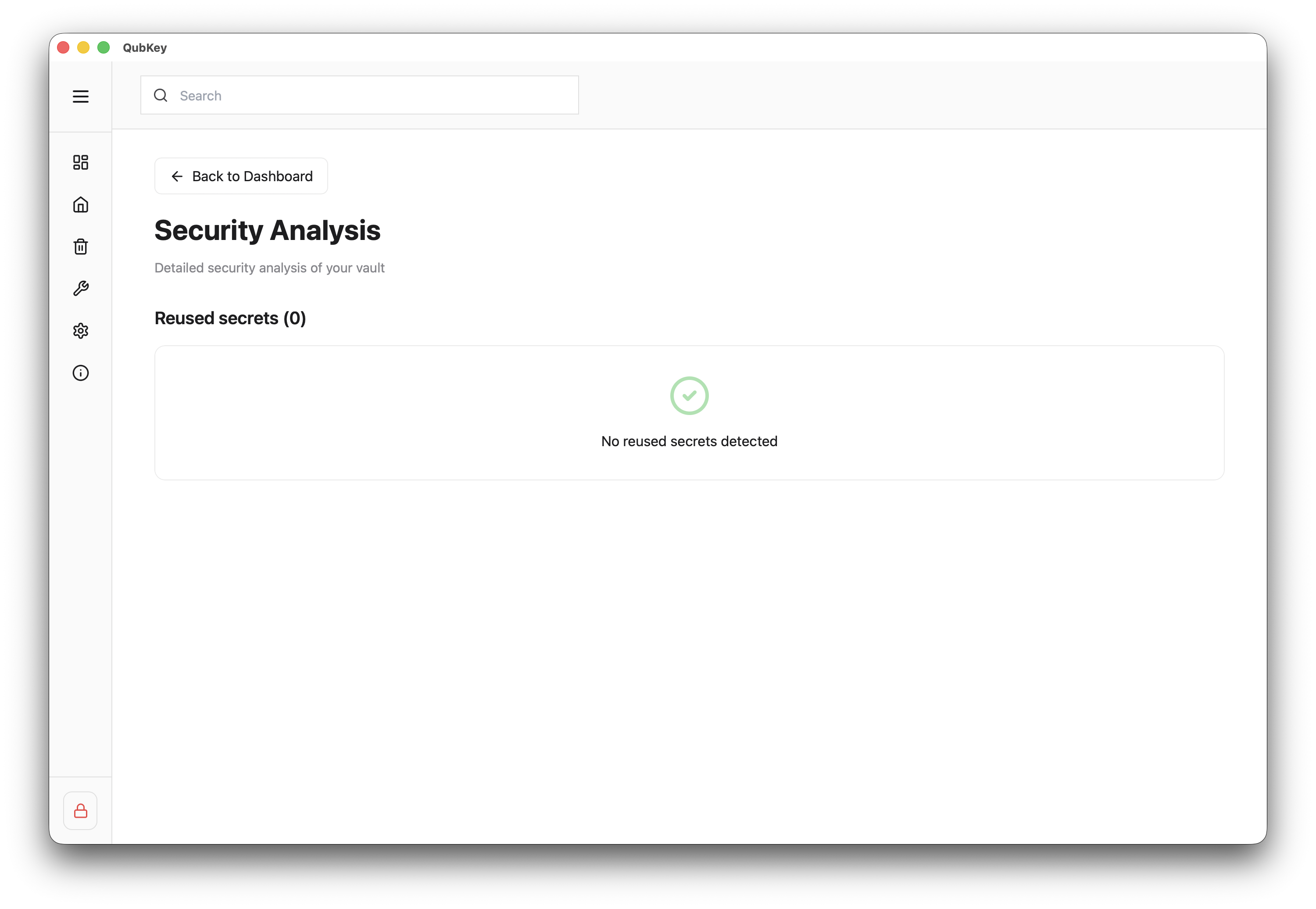
Clean security analysis
Fix an entry
Click a listed entry → entry opens → regenerate password via generator or add TOTP (OTP guide)
Weak passwords list
Health score
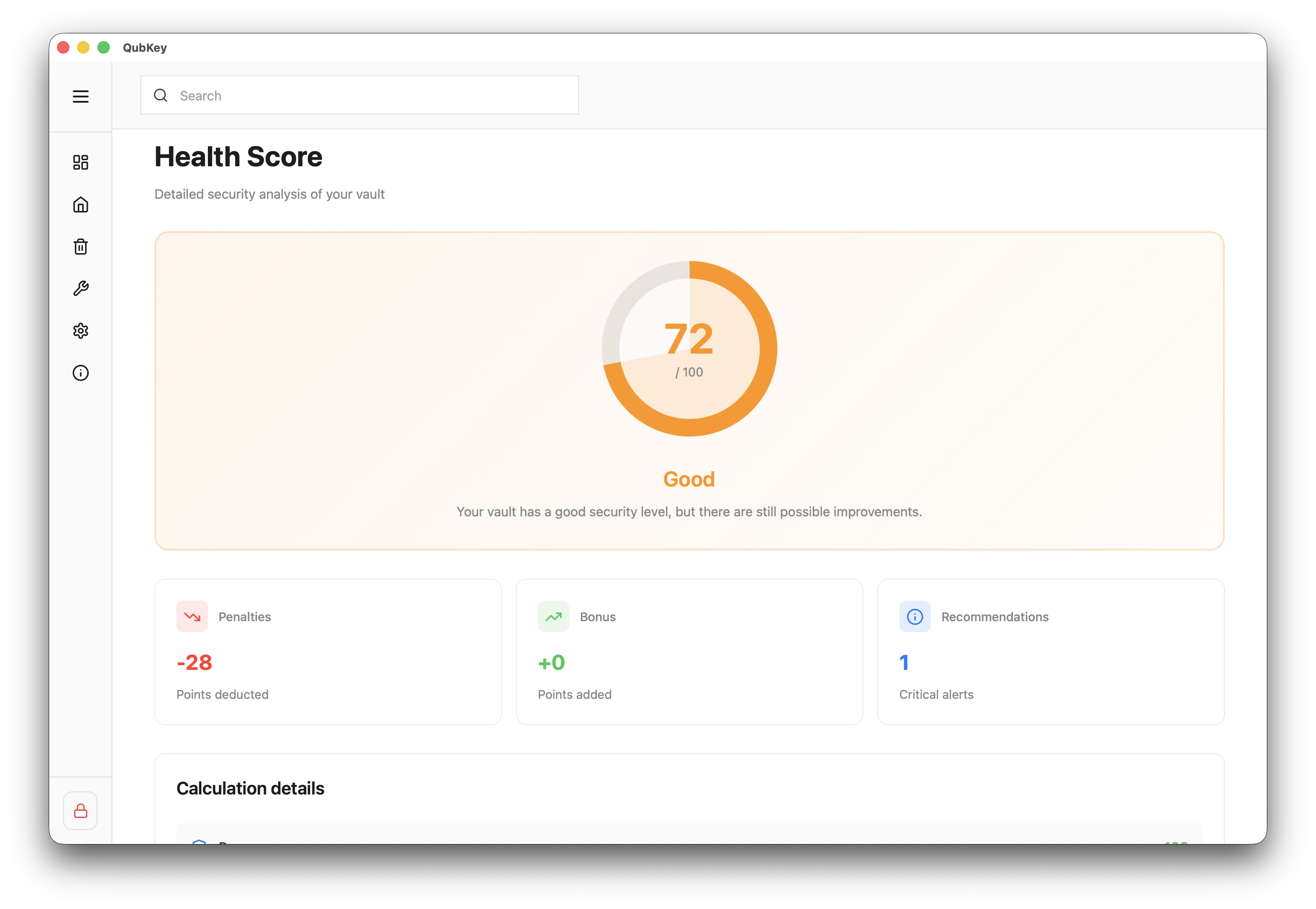
Health score page
Target
The health score (dedicated page or dashboard card) aggregates reuse, strength, 2FA, and age into a 0–100 indicator. Aim for 80+ for a well-maintained vault.
Act on a recommendation
Coming soon
Have I Been Pwned (known exposure) checking is planned but not implemented in the current version. The dashboard already flags weak, reused, and old passwords.