Trash
Soft delete, restore, and permanent purge of entries.
The trash keeps deleted entries for a configurable period (default: 30 days) before automatic purge. You can restore or permanently delete each entry.
Access: sidebar → Trash (/trash).
Delete an entry
Open an entry or select it in the vault list
Click Delete (trash icon or context menu)
Delete entry button
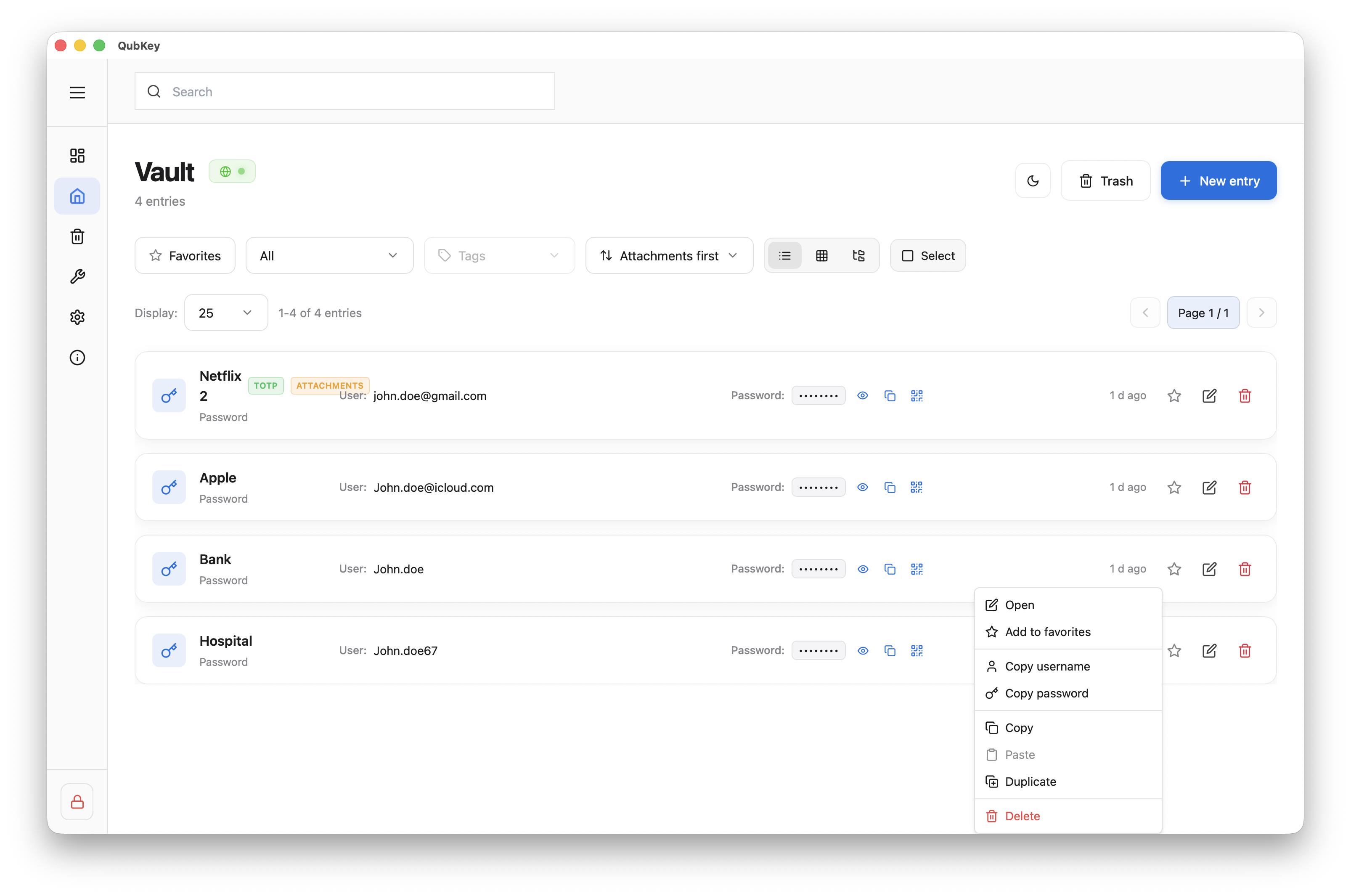
Confirm in the dialog — the entry moves to trash (soft delete)
It no longer appears in the main vault but remains recoverable
Manage trash

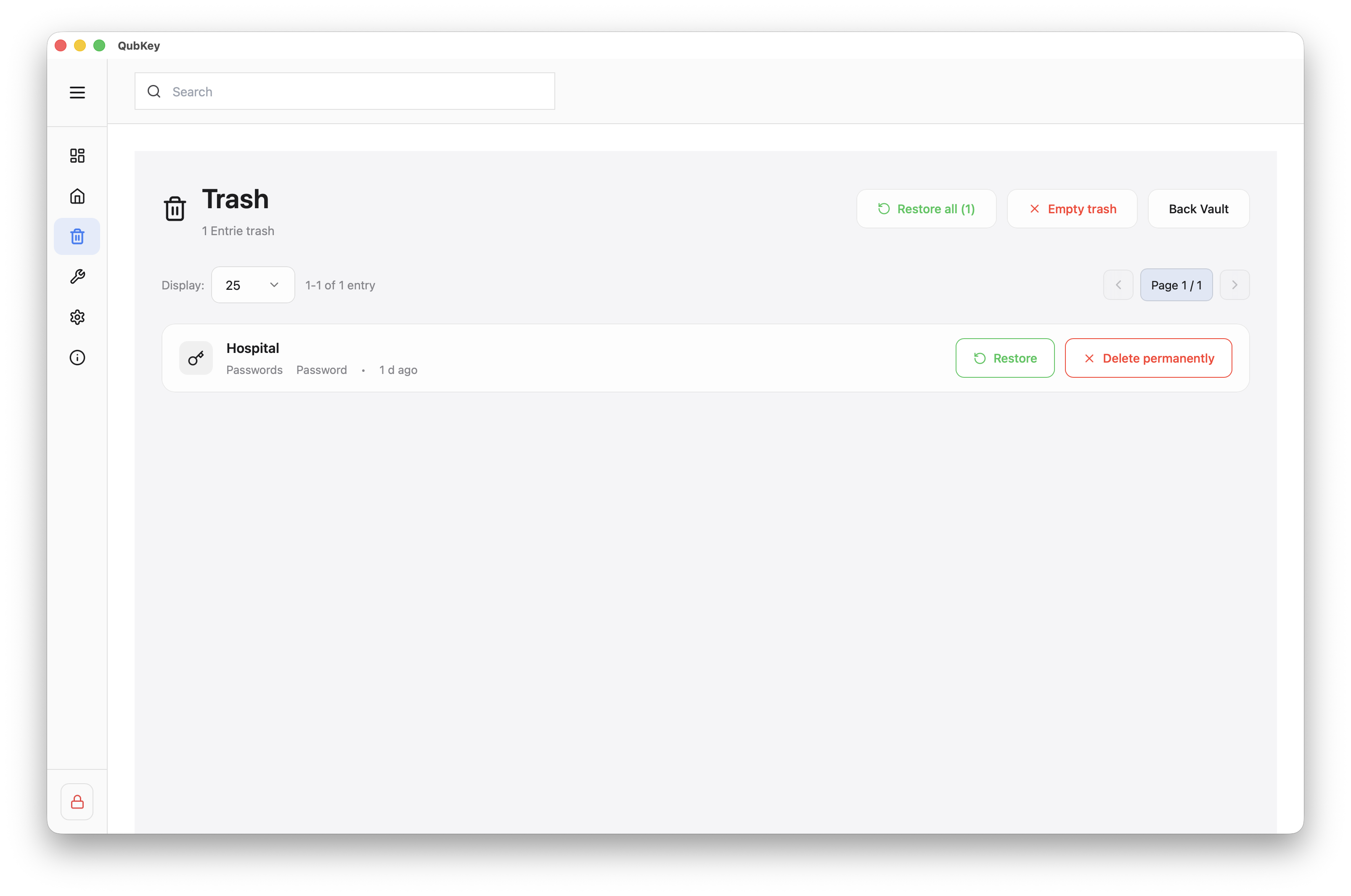
Restore an entry
Click Restore next to the entry — it reappears in the vault at its original location
Restore button

Permanent delete
Click Delete permanently → confirm — entry is unrecoverable
Permanent delete confirmation
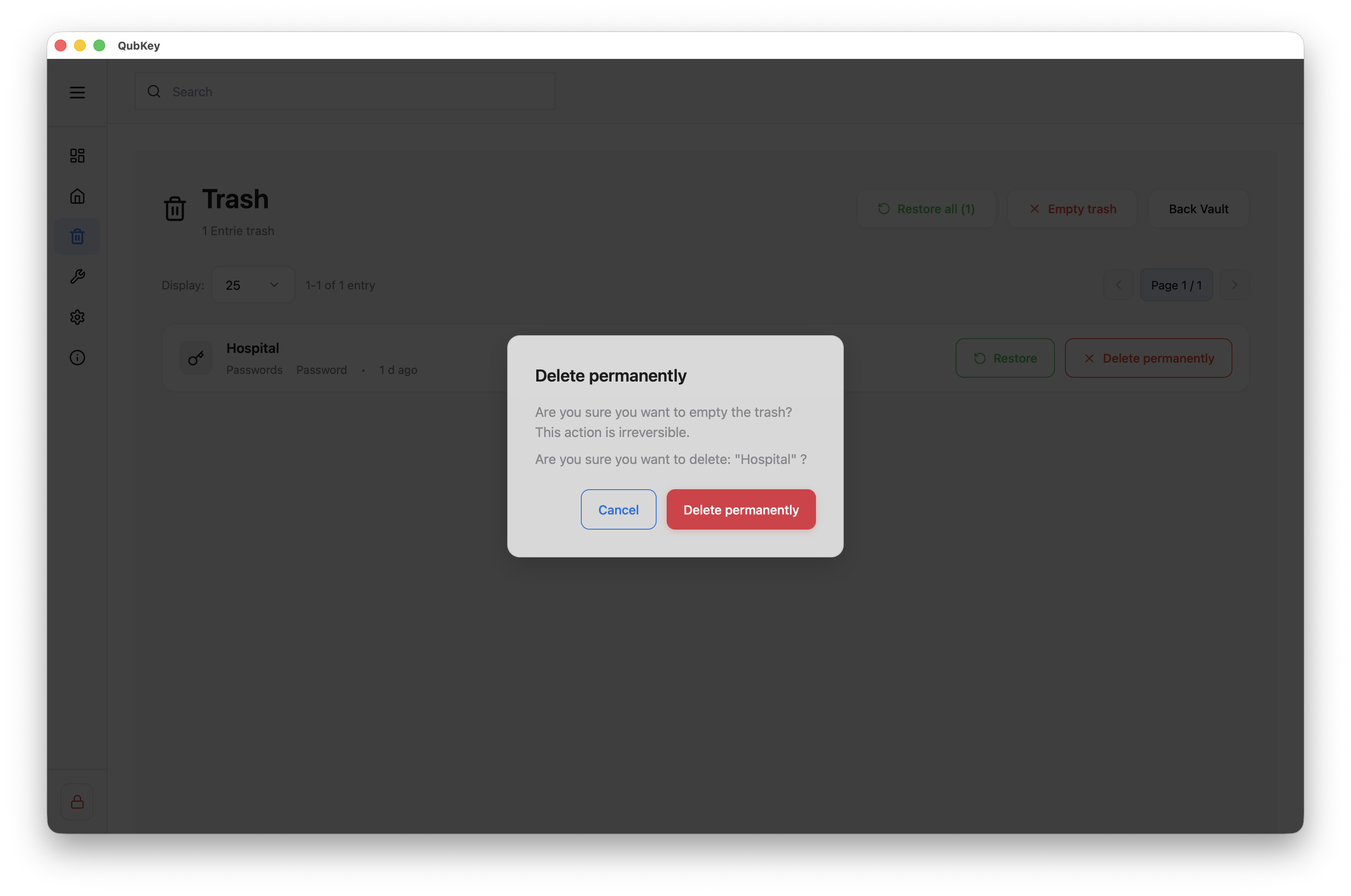
Bulk actions
Restore all or Empty trash (permanent delete of all content) — double confirmation required
Empty / restore all actions

Automatic retention
Setting
Configure retention (days) in Settings → Security. After this period, trash entries are purged automatically.