Attachments
Attachments on all entry types and Document explorer — import, export, badge.
QubKey lets you attach encrypted files to any entry. The Document type also has a built-in file and folder explorer.
Attachments (all types)
All entry types (discriminants 0–19) accept multi-file attachments with folders, encrypted in the vault.
| Rust location | Types |
|---|---|
Entry.attachments (files, folders) | Password, SSHKey, CreditCard, Note, WiFi, … (all except Document inner payload) |
DocumentInner.files / folders | Document type only (same DocumentAttachment / DocumentFolder structures) |
Shared structures (document_service.rs):
- DocumentAttachment:
id,filename,mime_type,content(protected),folder_id - DocumentFolder:
id,name,parent_id
In the UI: drag-and-drop, attachment badge, “attachments first” sort, vault ZIP/7z export with passmanager-secrets.json.
On any entry type
Open or create an entry (Password, Note, SSHKey, etc.)
Attachments section — drag and drop one or more files from Finder / Explorer
Drag and drop file
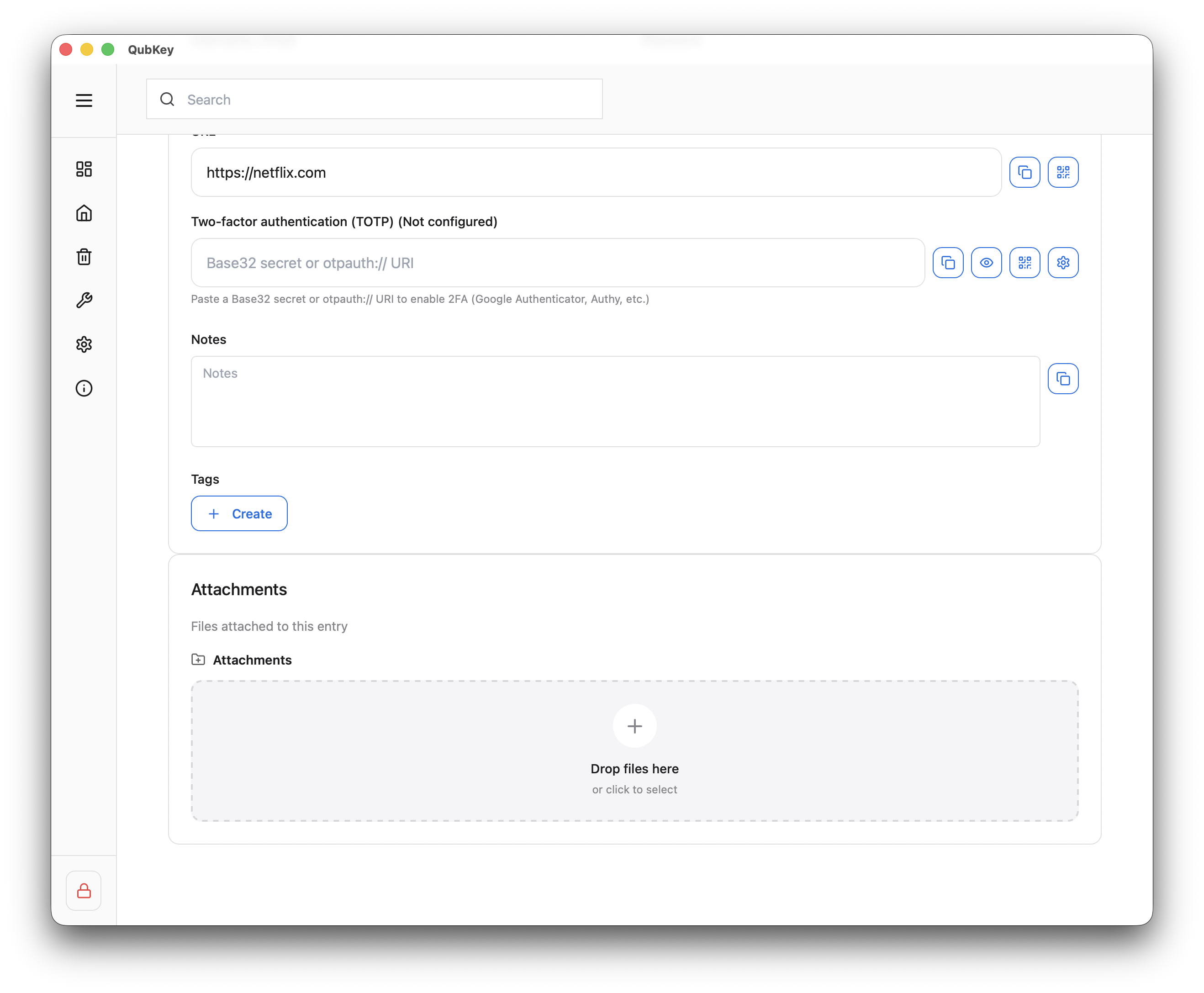
Files are encrypted in the vault — an attachment badge appears in the vault list
Attachment badge
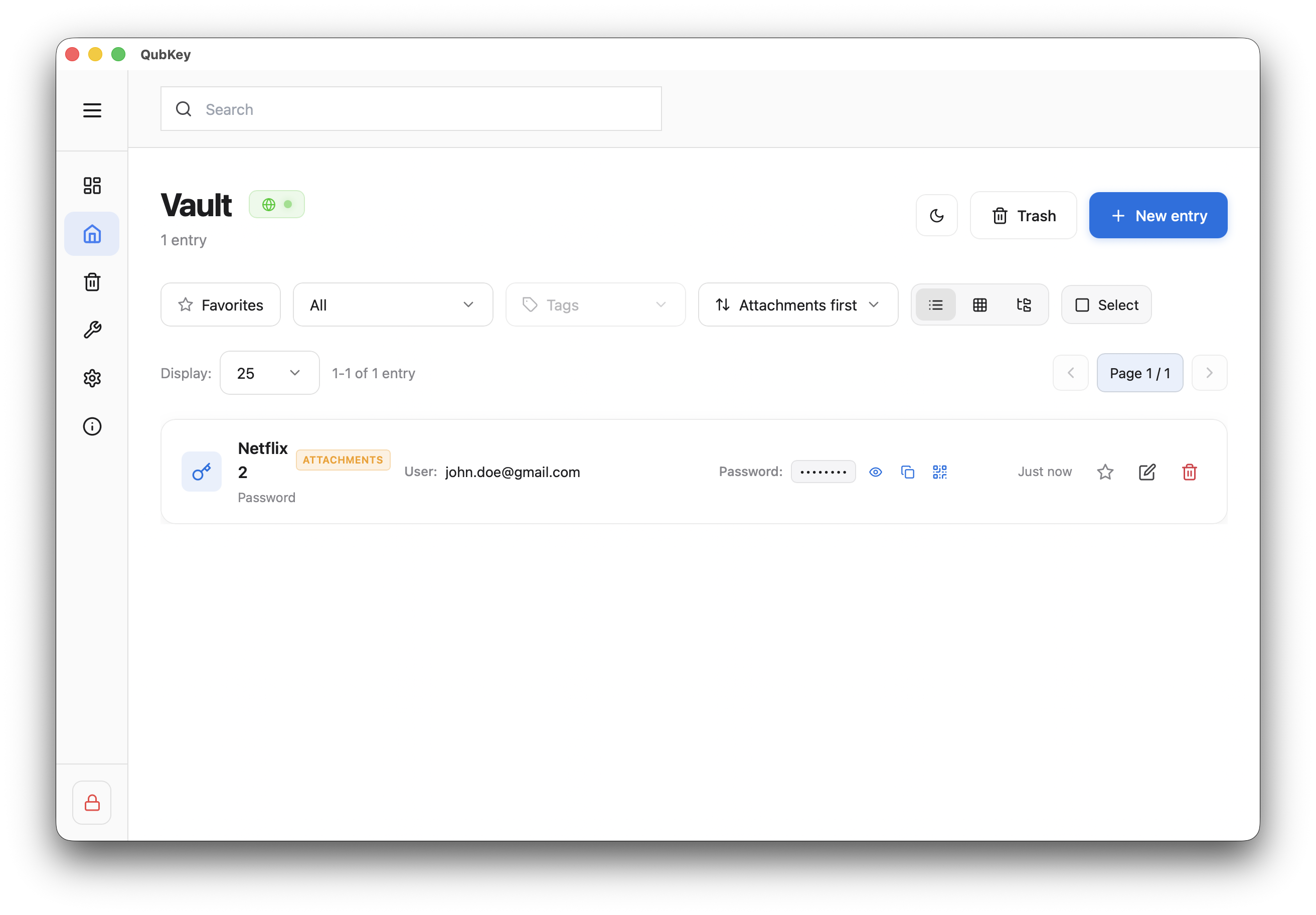
Download or delete an attachment from the entry detail
Document type
Internal explorer
Create folders and add files in the dedicated explorer (DocumentInner.files / folders structure)
Document explorer — create folder
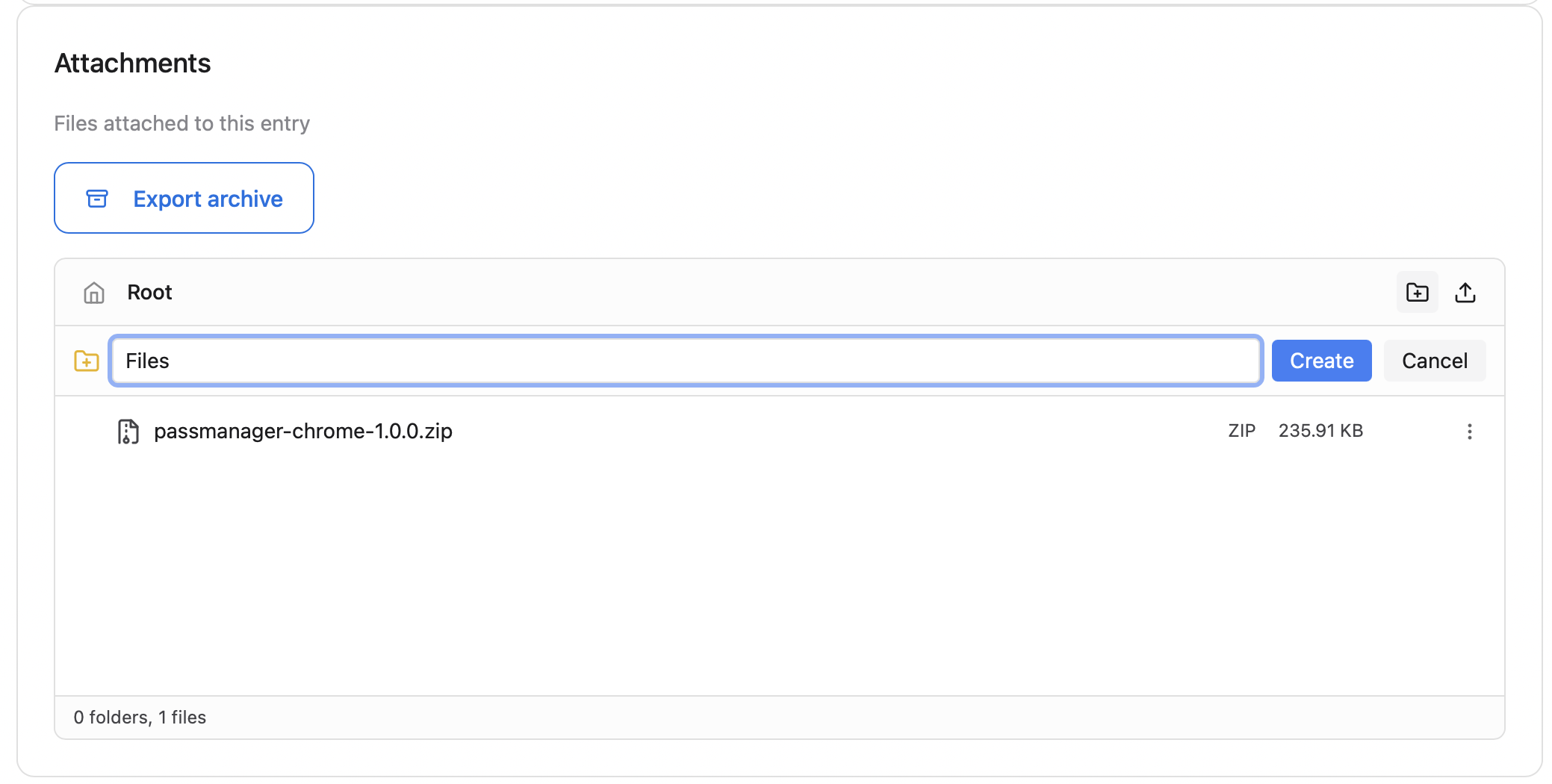
Document explorer
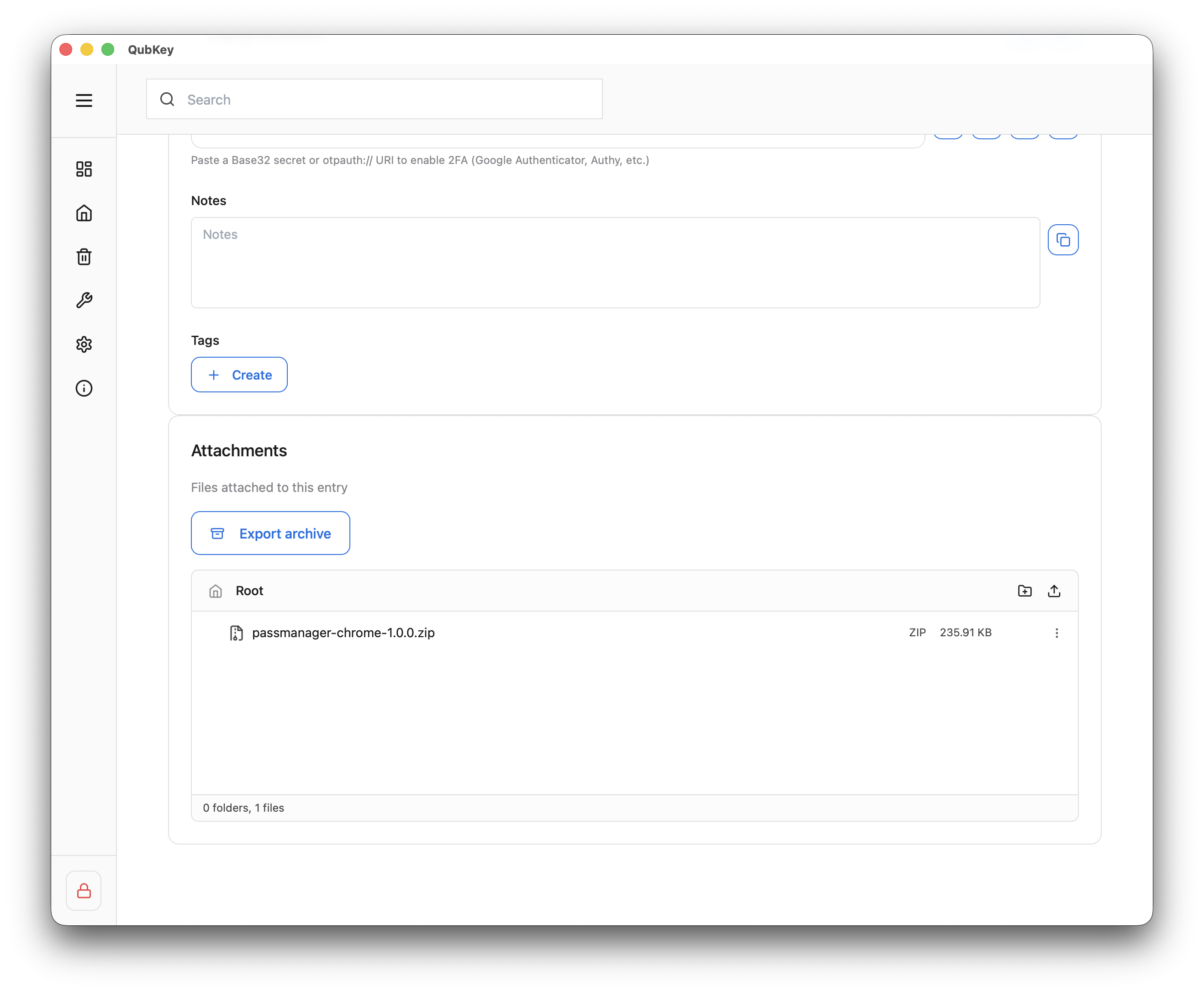
Preview
Open a supported file for in-app preview (by MIME type).
Export attachments
Export
Bulk attachment export: Tools → Import/Export → Export attachments (archive). See Import/Export.