Tools
Tools hub: generator, import/export, and vault OTP/TOTP codes.
The Tools menu groups utilities when the vault is unlocked: password generator, import/export, and OTP/TOTP codes.
Access: sidebar → Tools icon (or /tools route in the app).
Landing web tools
For online tools without a vault (web generator, text encryption, secure sharing), see Web tools.
Access tools
Unlock the vault
In the sidebar, click Tools
Sidebar — Tools
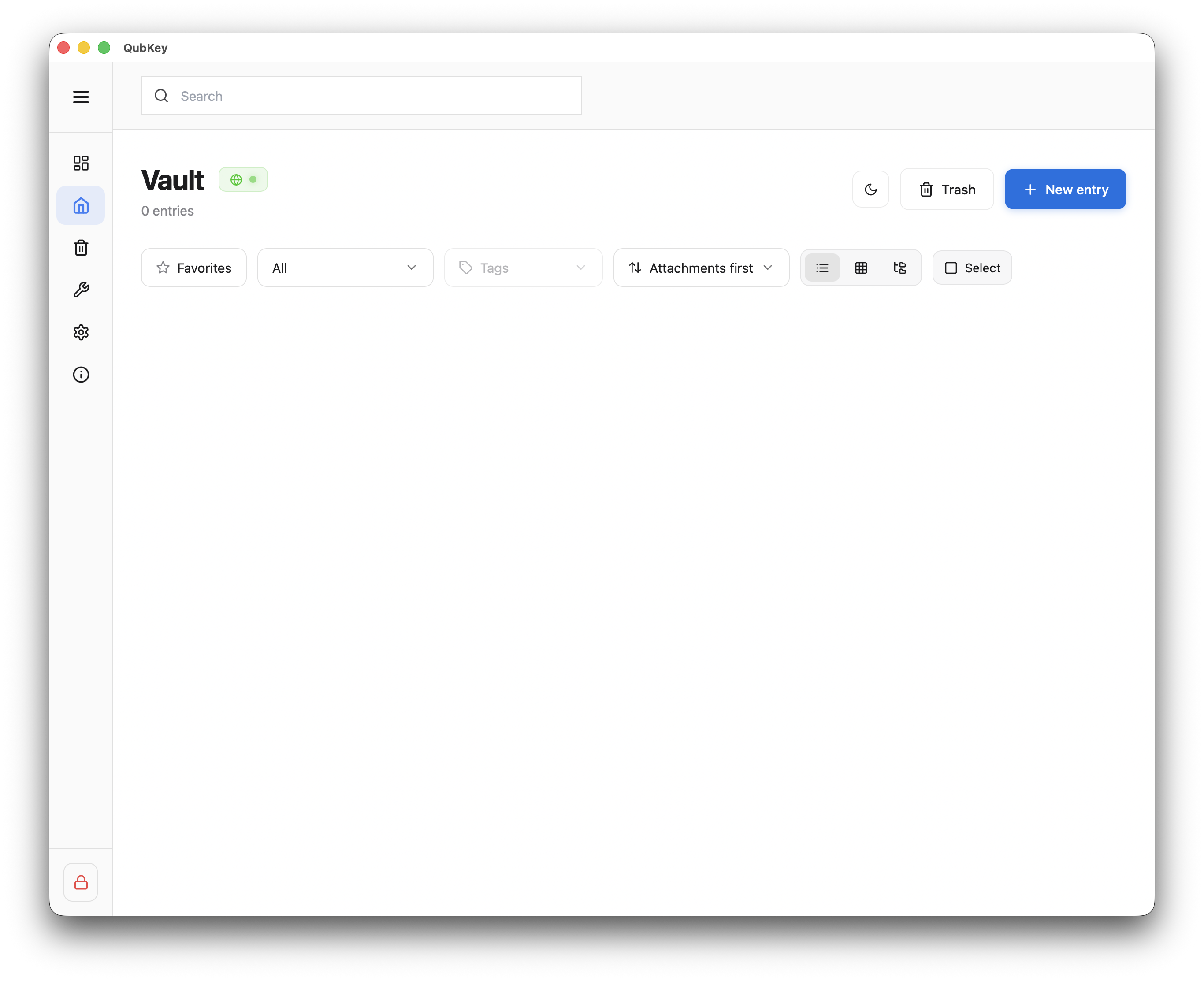
Three tabs are available: Generator, Import/Export, OTP
Tools page with tabs
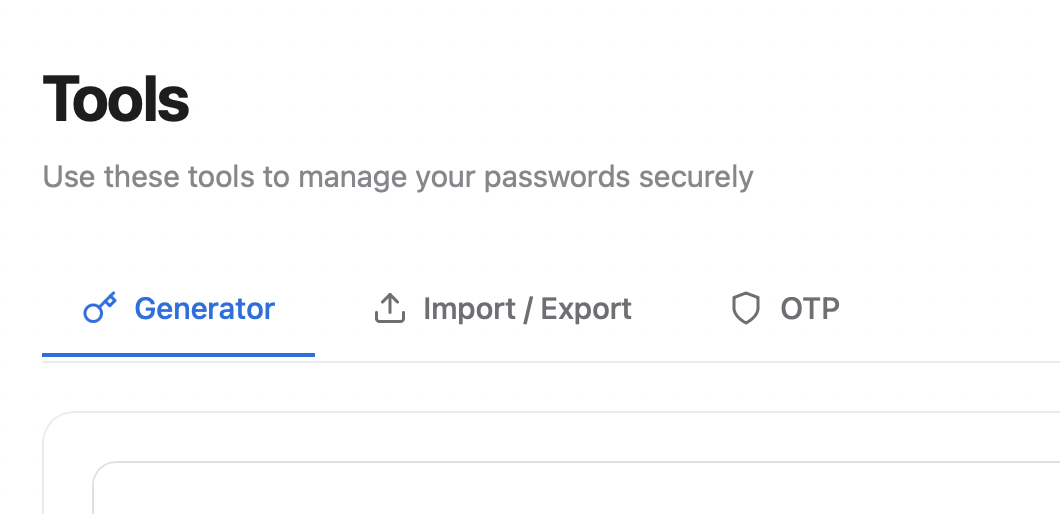
OTP / TOTP codes
Open the OTP tab
Tools → OTP tab
OTP tab — entry list
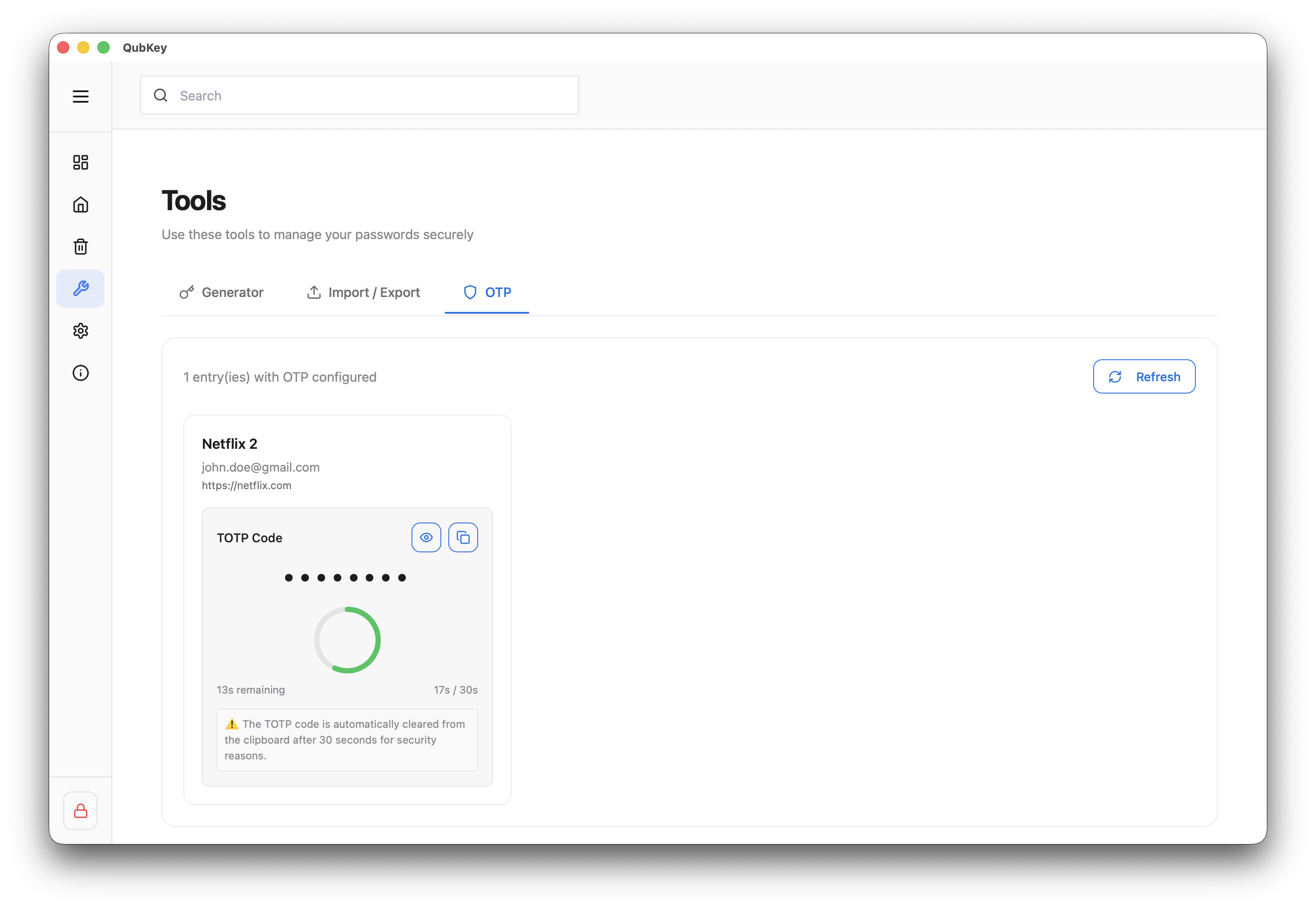
QubKey lists all entries with a configured TOTP secret
Copy a code
Each entry shows the 6-digit code with a progress bar (default period: 30 s)
TOTP code with timer
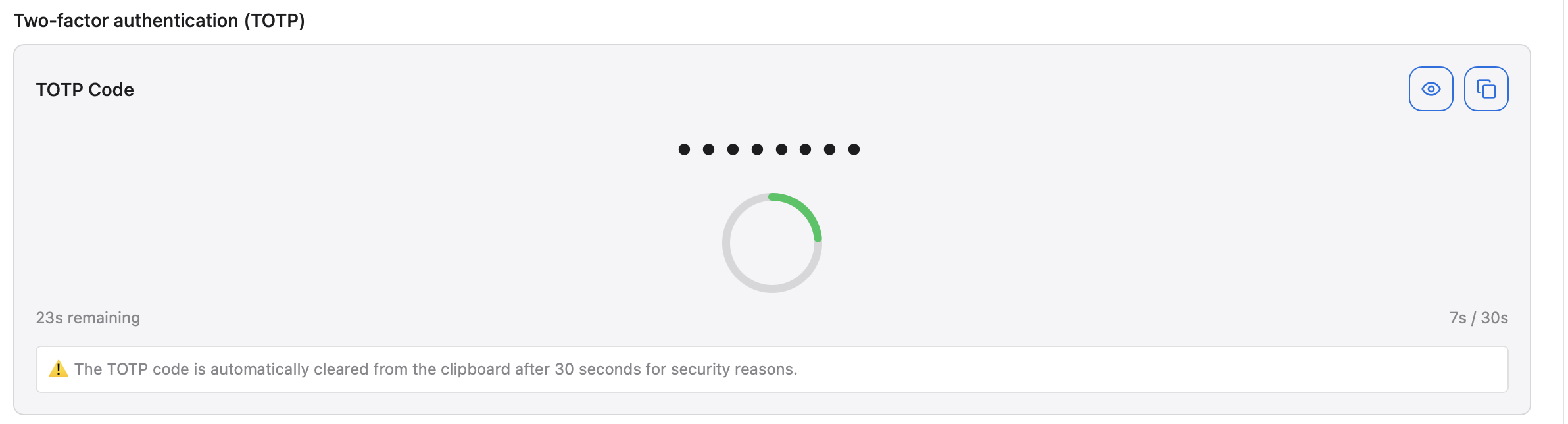
Click Copy — the clipboard is cleared automatically after the timeout set in Settings → Security
Empty list
If no entries appear, add a TOTP secret on a password entry (see below) then click Refresh.
Add TOTP to an entry
Open a password entry (create or edit)
Password entry form
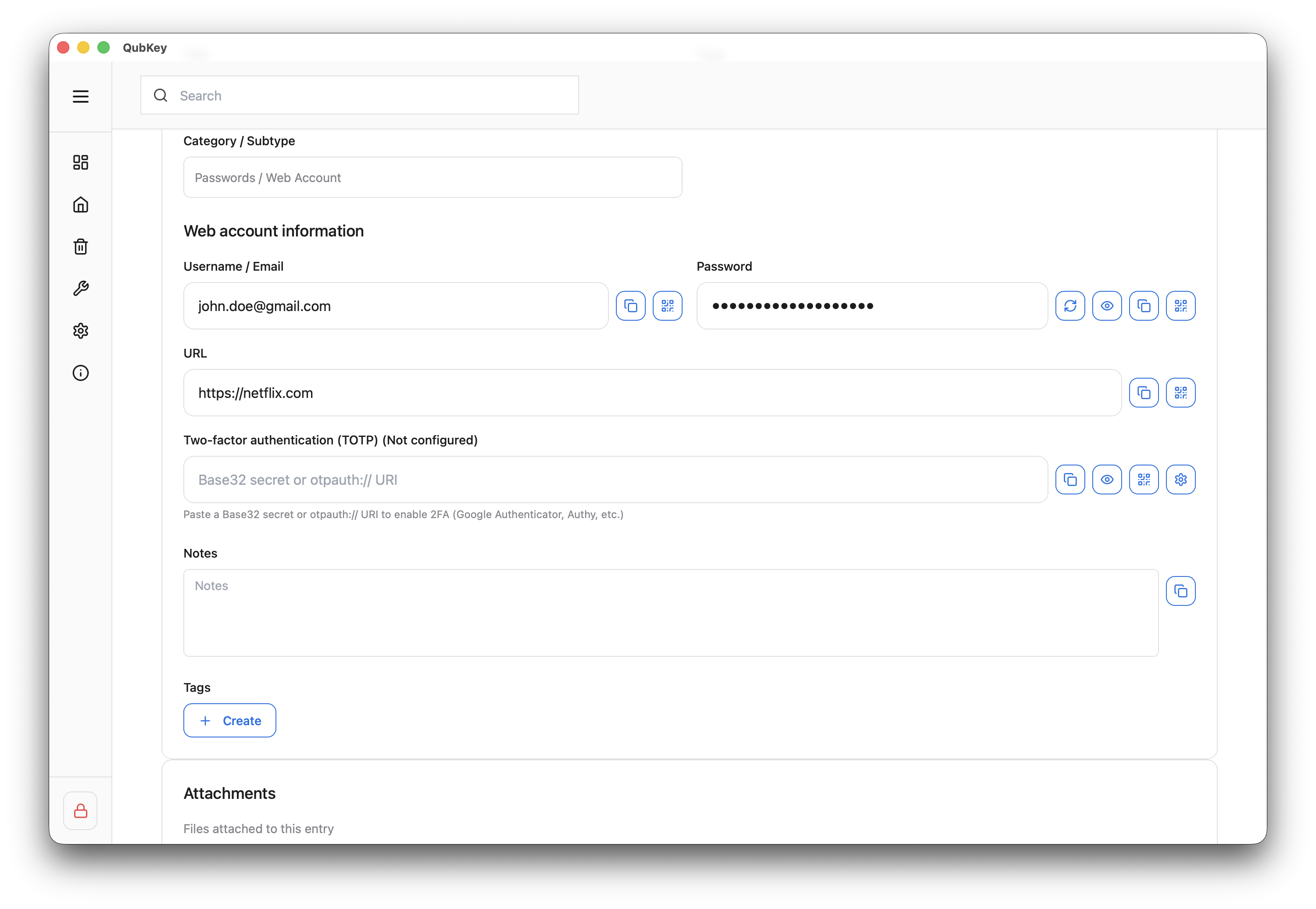
In the Two-factor authentication section, click Set up TOTP
Scan the service QR code or paste the secret key (base32 format)
TOTP setup on entry
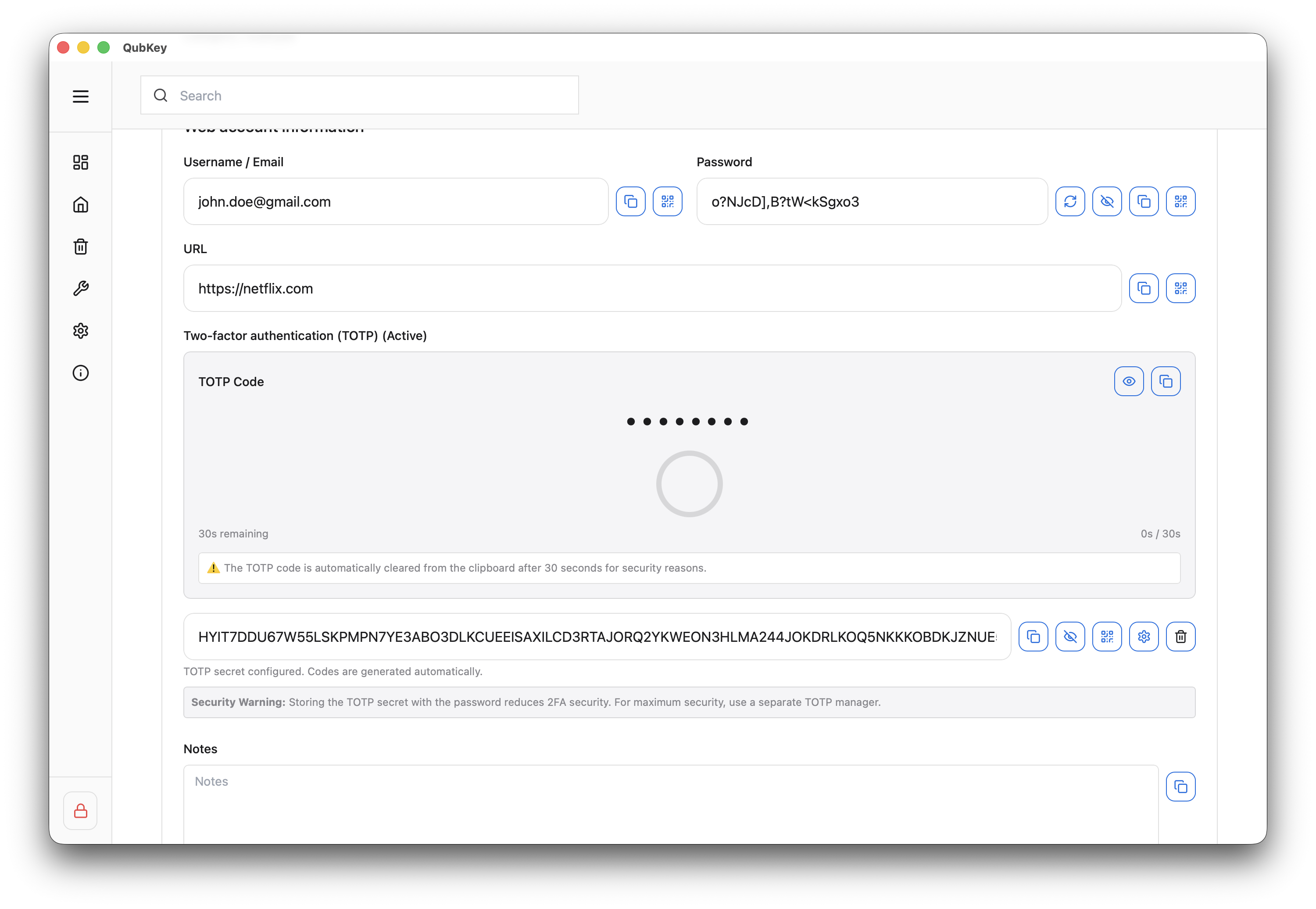
Save the entry — the code appears on the entry and in Tools → OTP