QubKey web tools
Online tools and QubKey account space — generator, local encryption, and temporary links.
QubKey web tools are free utilities on the website — without installing the app and without opening your vault. They run in your browser: handy to create a password quickly, encrypt a personal note, or send a temporary secret to someone.
What you see on the hub
Open /tools (site Tools menu). Three main cards appear:
Web tools hub
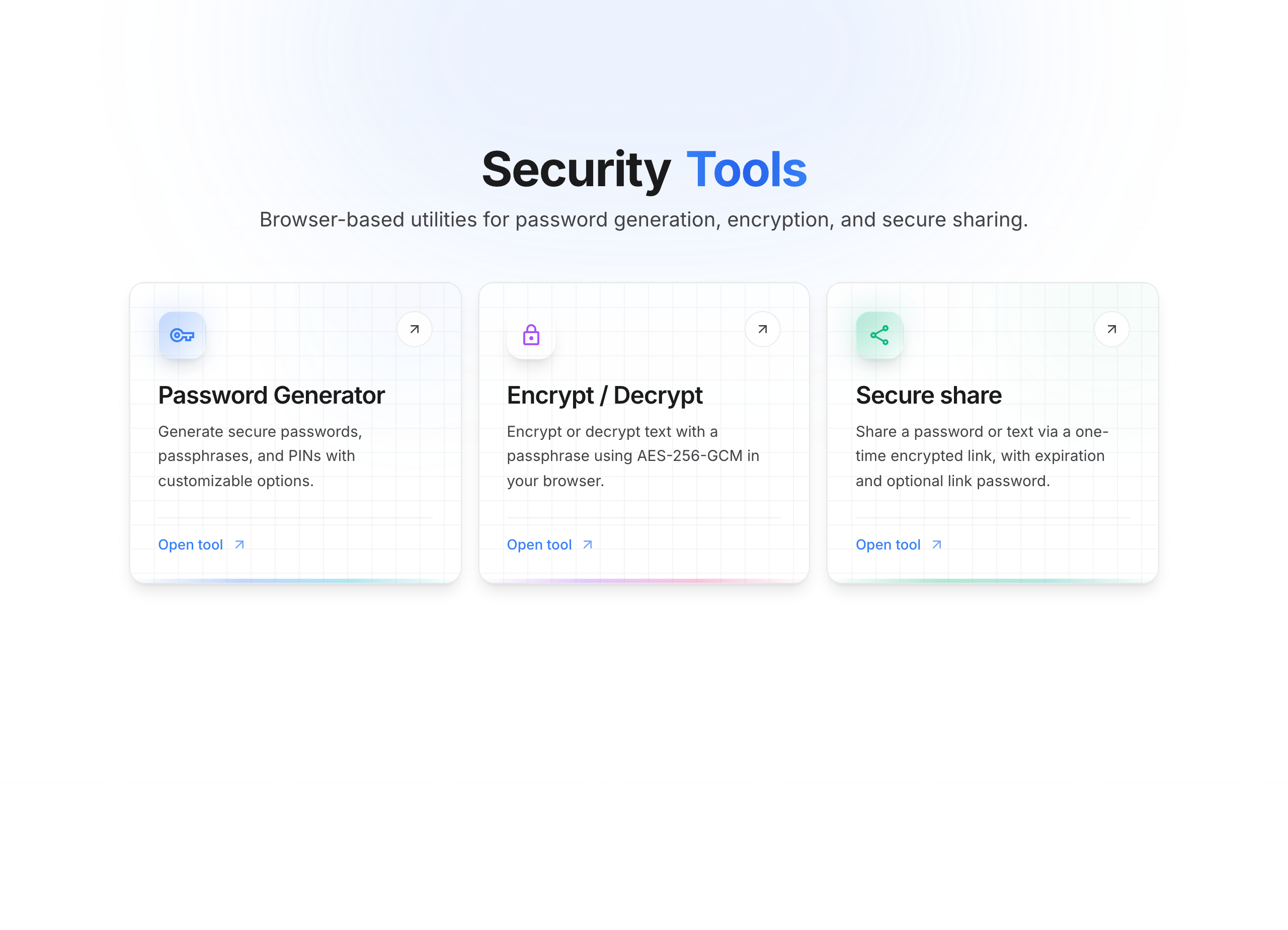
| Card | What it’s for | Page |
|---|---|---|
| Password generator | Create a password, passphrase, or PIN | Generator |
| Encrypt / Decrypt | Protect text with a passphrase (locally) | Encryption |
| Secure share | Send a secret via a temporary link | Secure share · Options |
Top right, My space opens the account hub (sign-in / manage links).
Privacy
For the generator and local encryption, nothing is sent to the server: computation stays in your browser. For secure share, content is encrypted before upload; part of the key stays in the URL # fragment (never sent to the server).
QubKey account (My space)
A free account is not required to use the tools. It becomes useful if you often create share links: you can list, extend, or revoke them from one place.
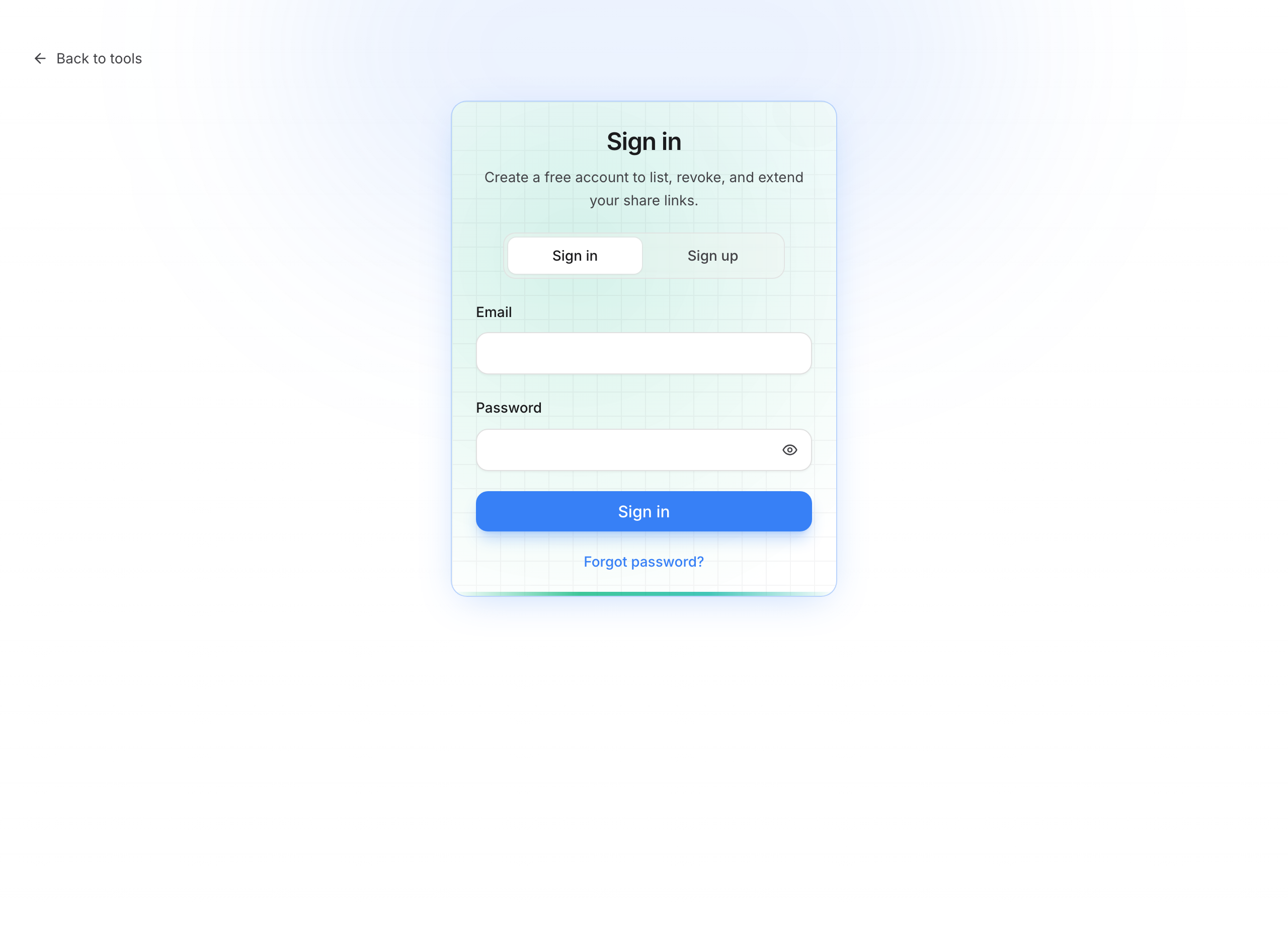
Sign in
- Click My space (profile icon) or open
/account/login - Sign in tab
- Enter email + password → Sign in
Sign-in — My space
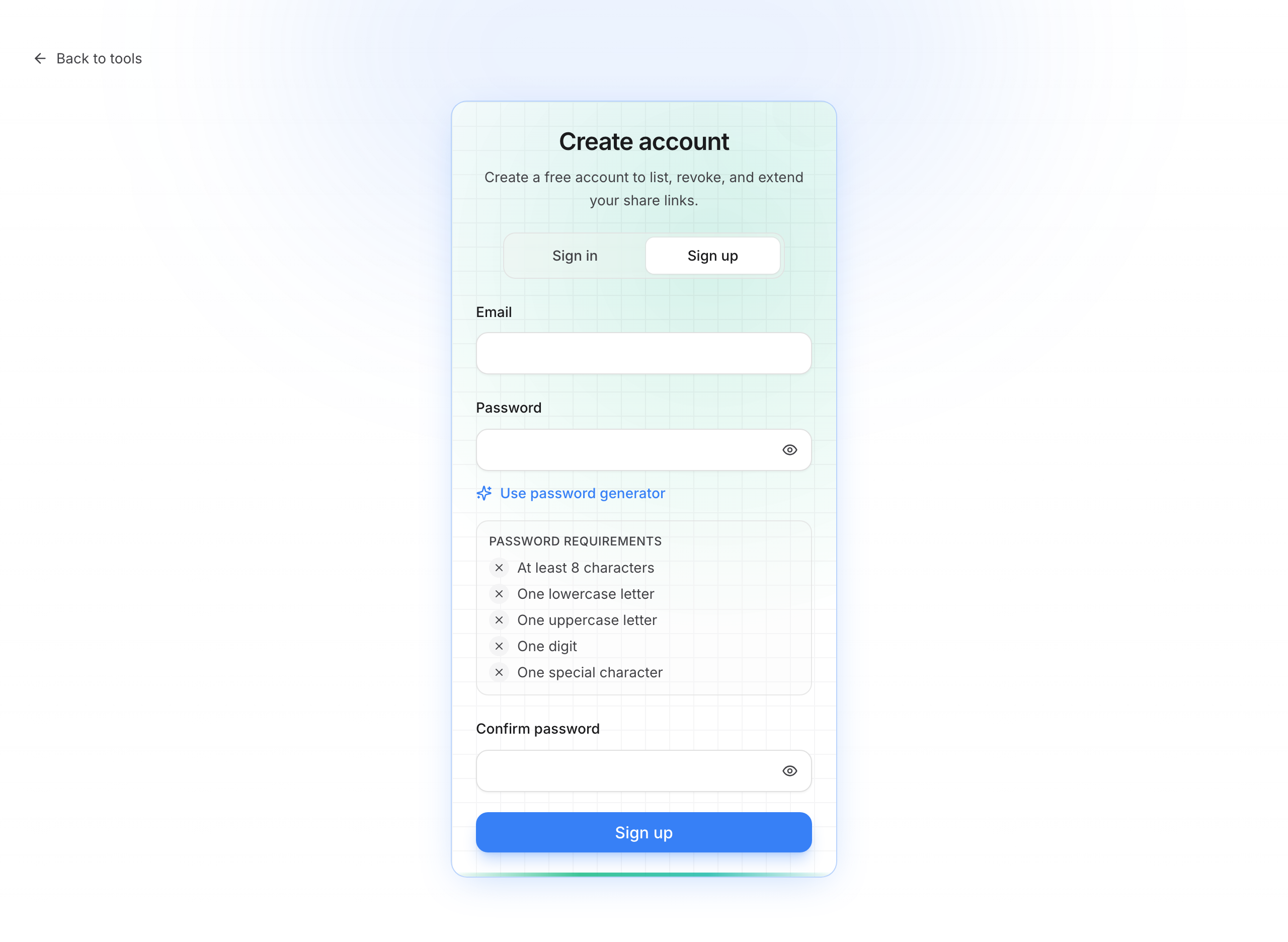
Create an account
- Sign up tab
- Email + password (requirements shown: length, upper, lower, digit, special character)
- Optional Use password generator to create a strong one
- Confirm password → Sign up
- Verify your email before the first sign-in
Create account
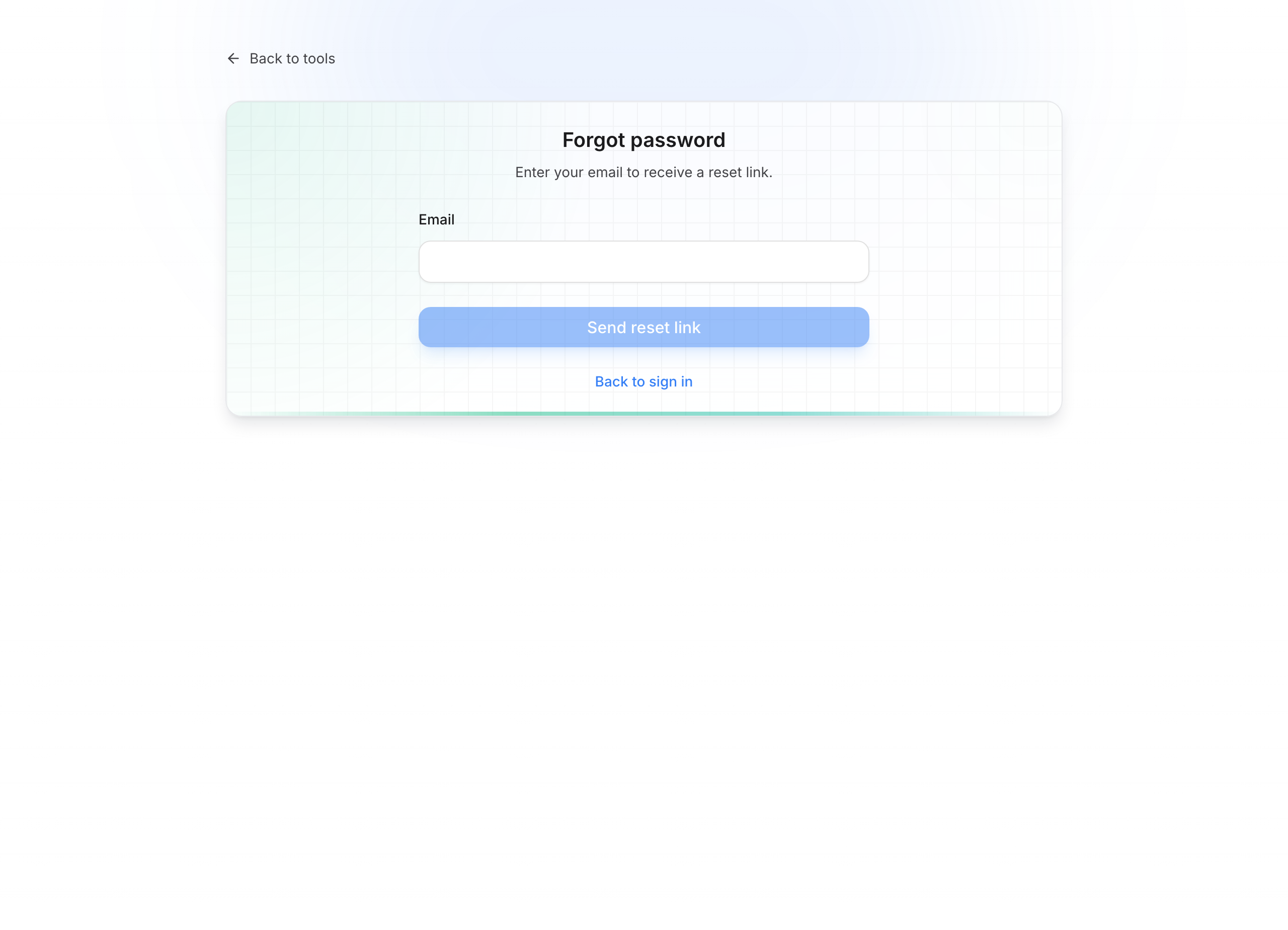
Forgot password
- On the sign-in screen, click Forgot password?
- Enter your email → Send link
- Open the message and set a new password
Forgot password
See also: My space · QubKey account in the app.
Vault vs web tools
Web tools do not replace the desktop vault. To store passwords, attachments, and history long-term, use the app. To share a vault entry, see also Share an entry.
Quick access