My space
QubKey My space
Dashboard, support, shares, synced vaults, security, and account deletion.
My space is your QubKey account area on the website. Use it to manage share links, sessions, support, synced vaults, and preferences — without opening the desktop app.
How to get there
- On the site, click My space (top-right menu), or open
/account - If you are not signed in → sign-in / sign-up screen
- Once signed in → dashboard with a left sidebar
Dashboard — My space
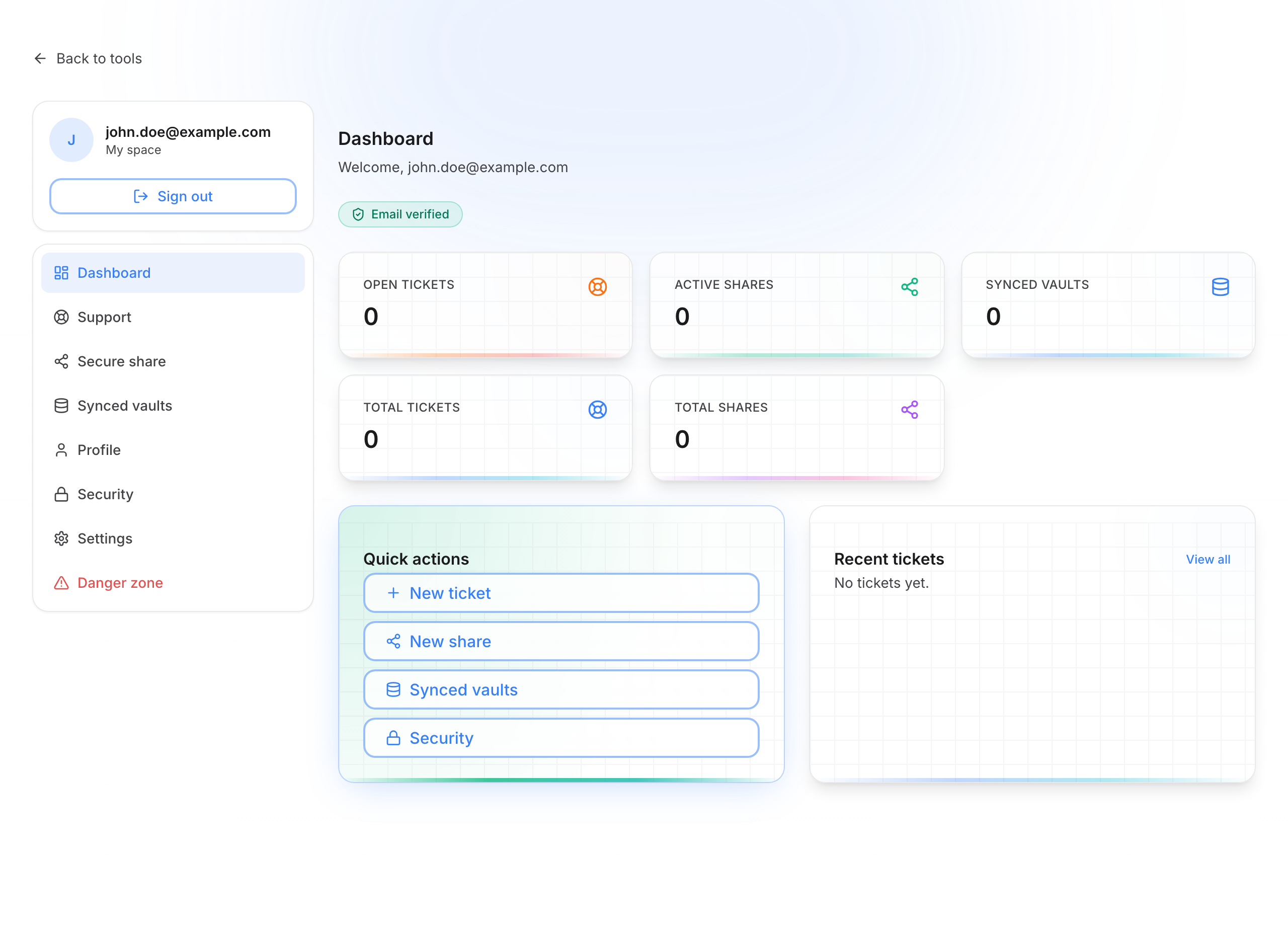
Sidebar menu (after sign-in)
| Menu | What it’s for | Page |
|---|---|---|
| Dashboard | Overview and quick actions | Dashboard |
| Support | Help tickets with the QubKey team | Support |
| Secure share | List, extend, or revoke your links | Secure share |
| Synced vaults | View / disconnect cloud-linked vaults | Synced vaults |
| Profile | Email, plan, and member-since date (read-only) | Security |
| Security | Password and active sessions | Security |
| Settings | Default preferences for new share links | Settings |
| Danger zone | Delete the account | Danger zone |
One identity
The same QubKey account works in the desktop app (sync, share from an entry) and in My space on the web. Web tools (generator, local encryption, create a link) still work without an account.
Vault vs My space
My space is not your vault. Your passwords stay in the vault file on your devices. Here you manage the account, temporary links, and support.
Quick access