Manage secure shares
List, extend, revoke, and purge metadata for your temporary links.
The Secure share page (/account/shares) lists temporary links created with your account (from the site or tied to your identity). Here you extend, revoke, or purge metadata for a link.
To create a new link: Secure share (web tools).
Share list
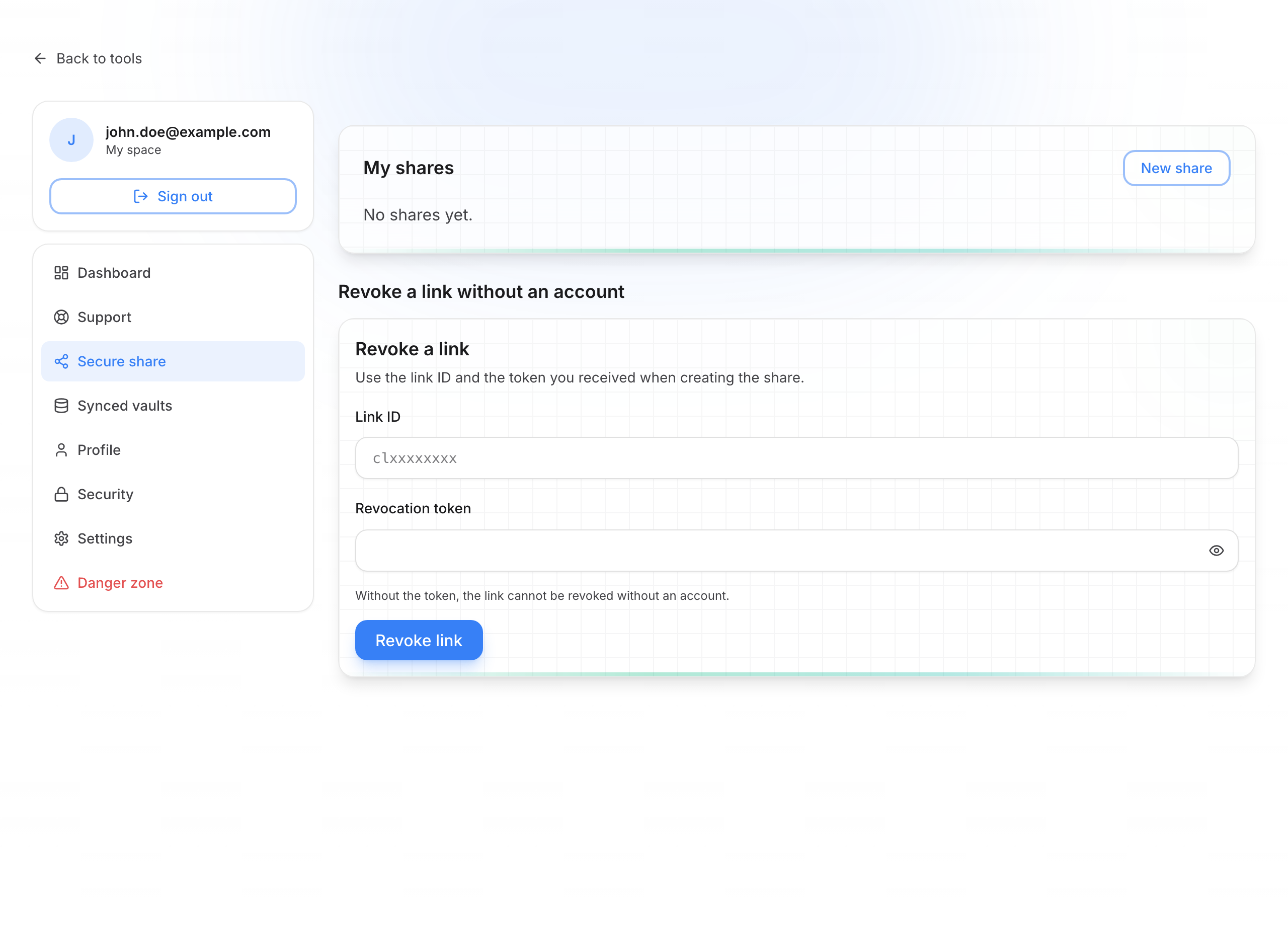
Manage your links
Read the list
Each row shows content type, status (active, expired, revoked, viewed…), views, expiration, and sometimes how long metadata stays visible.
Extend an active link
On an active share, use extend buttons (e.g. +24 h, +7 days, or a custom duration). Useful if the recipient has not opened the link yet.
Revoke a link
Revoke makes the link unusable immediately. The recipient can no longer open the secret. Confirm in the dialog.
Purge metadata
When the share is no longer active, you can remove the record from the server (subject, dates, counters). Encrypted content was already erased on expiry or revoke.
Create a new share
New share opens the web tool. Default preferences (duration, views…) are set under Settings.
Revoke without signing in
At the bottom, a form lets you revoke a link with the revocation token shown at creation — useful if you no longer have account access.
Account vs anonymous
Shares created without an account (anonymous) do not appear here. Always keep the revocation token shown at creation.