My space
Delete account
Request QubKey account deletion, retention period, and possible cancellation.
The danger zone (/account/danger) lets you request deletion of your QubKey account. This is a serious action: read every checkbox before confirming.
Danger zone — deletion
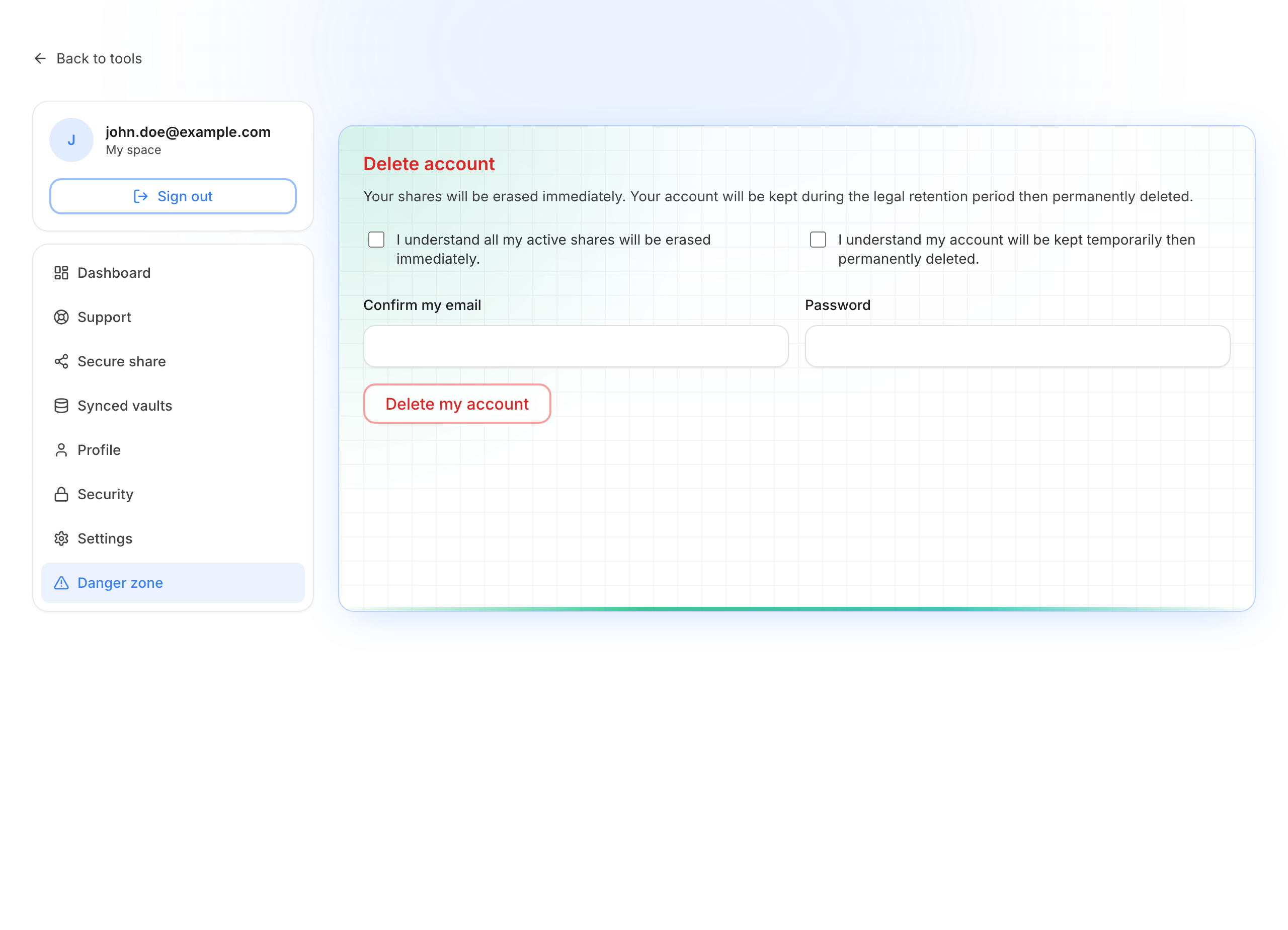
Delete the account
Understand the consequences
- Your active share links are erased immediately
- The account is kept for a legal retention period, then permanently deleted
- Your local vault file is not erased automatically — but cloud sync tied to the account will be affected
Check the acknowledgements
Tick all required boxes: they confirm you understand that active shares are erased immediately and that the account is kept temporarily before permanent deletion.
Confirm your identity
- Re-enter your exact email
- Enter your password
- Click Delete my account
After the request
A message shows that deletion is scheduled (purge date). Until the period ends, you may be able to cancel deletion from the dedicated screen (password required).
Eventually irreversible
Do not delete the account “just to try”. Export or back up everything you need in the desktop app first.