Synced vaults
View cloud-linked vaults and disconnect a vault without touching the local file.
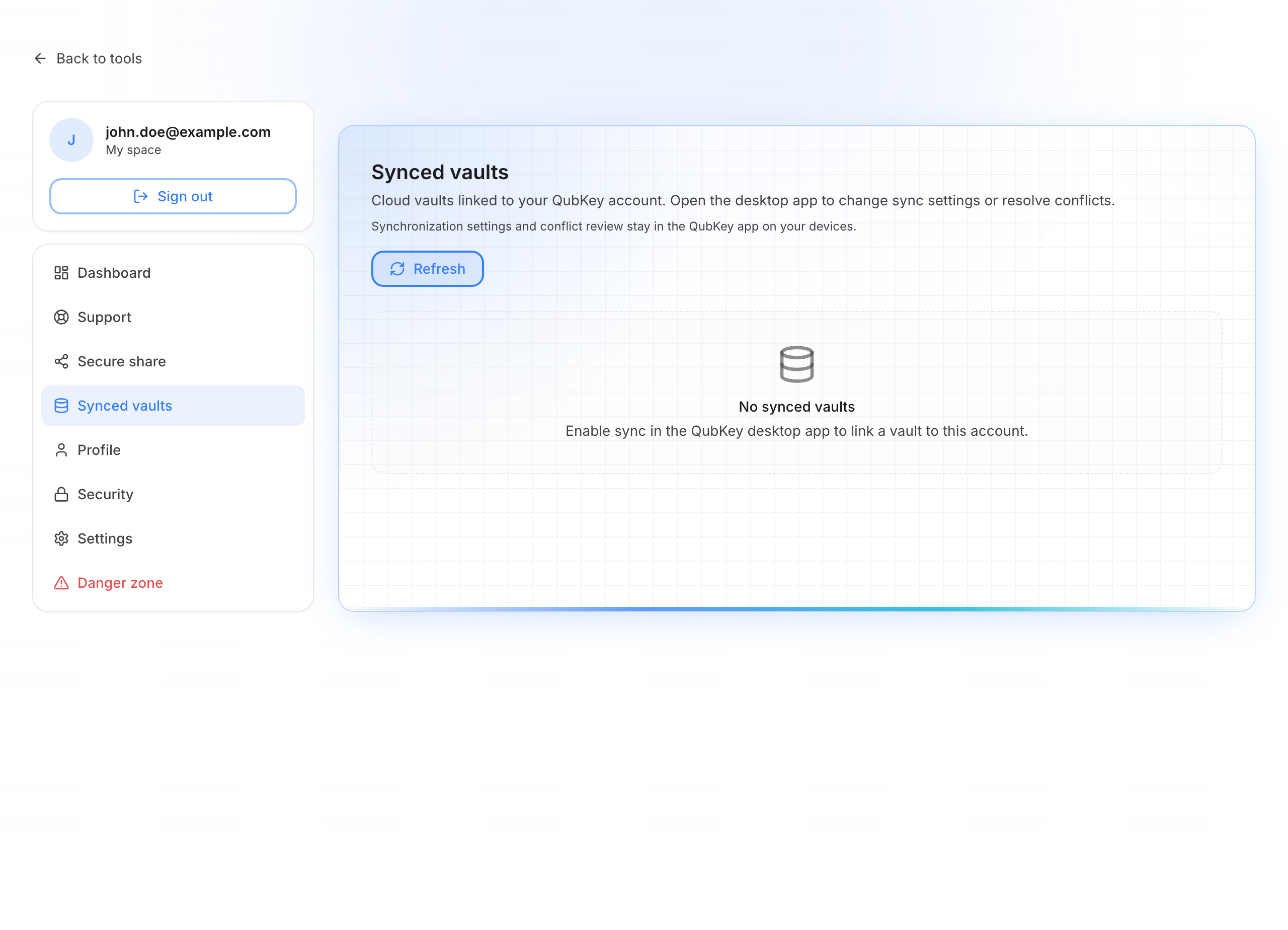
The Synced vaults page (/account/vaults) shows vaults linked to your QubKey account for cloud sync. It does not show entry contents (unreadable without your master password).
Enable sync in the app first: Sync.
Synced vaults
Synced vaults
Read the information
For each vault you can see, among other things:
- Identifier (UUID) — Copy button
- Last sync (absolute and relative time)
- Version counters / digests (useful for troubleshooting, not daily use)
Refresh
Click Refresh if you just enabled sync on a new device.
Disconnect a vault
Disconnect erases cloud sync data for that vault and may sign sync apps out. Your local vault file is not changed.
Confirm only if you want to cut cloud sync for this vault.
Empty list
If the list is empty (“No synced vaults”), open QubKey on your computer → Settings → Sync, sign in with your QubKey account, and enable sync.
Caution
Disconnect is irreversible on the cloud side for that vault. Always keep a local backup of your vault file.