My space
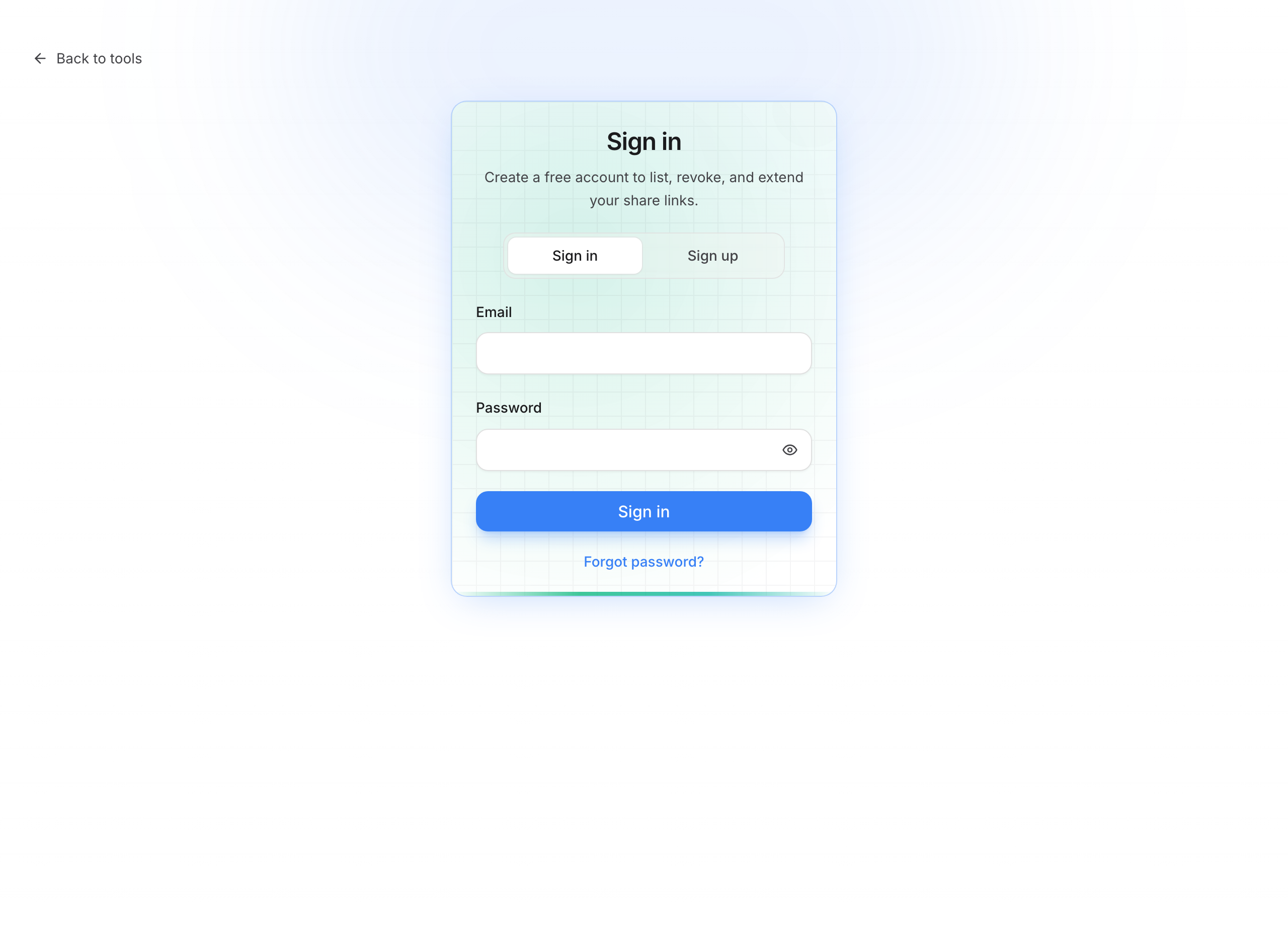
Sign in and sign up
Create a QubKey account, sign in, verify email, and reset your password.
Before using My space, create a free QubKey account or sign in. You can also create the account from the desktop app — it is the same account.
Open /account/login or click My space in the site menu.
Sign in and sign up
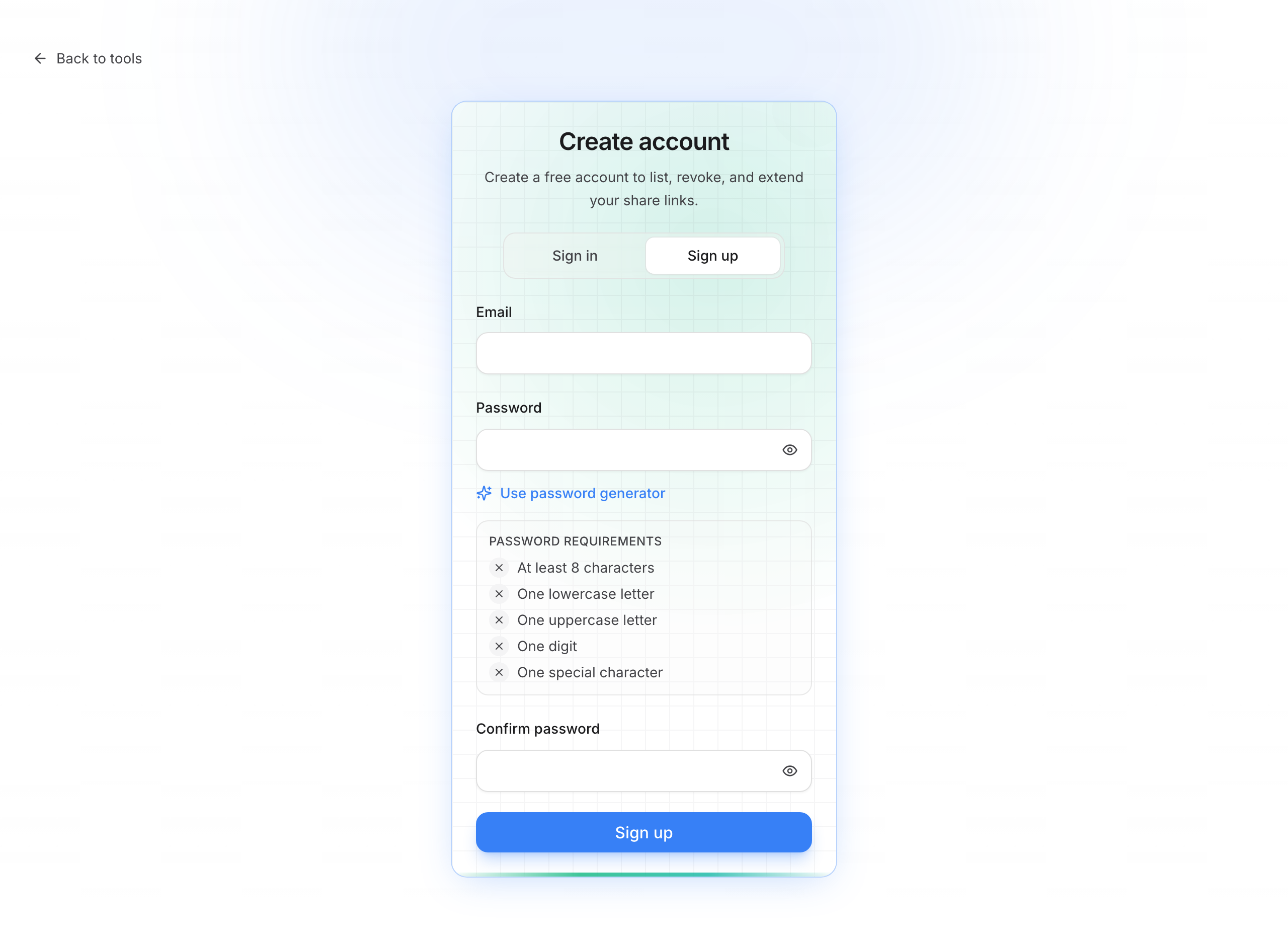
Create an account
- Sign up tab
- Email + password (length, upper, lower, digit, special character — rules appear under the field)
- Optional Use password generator to create a strong one
- Confirm password → Sign up
- Verify your email (confirmation link) before using support
Create account
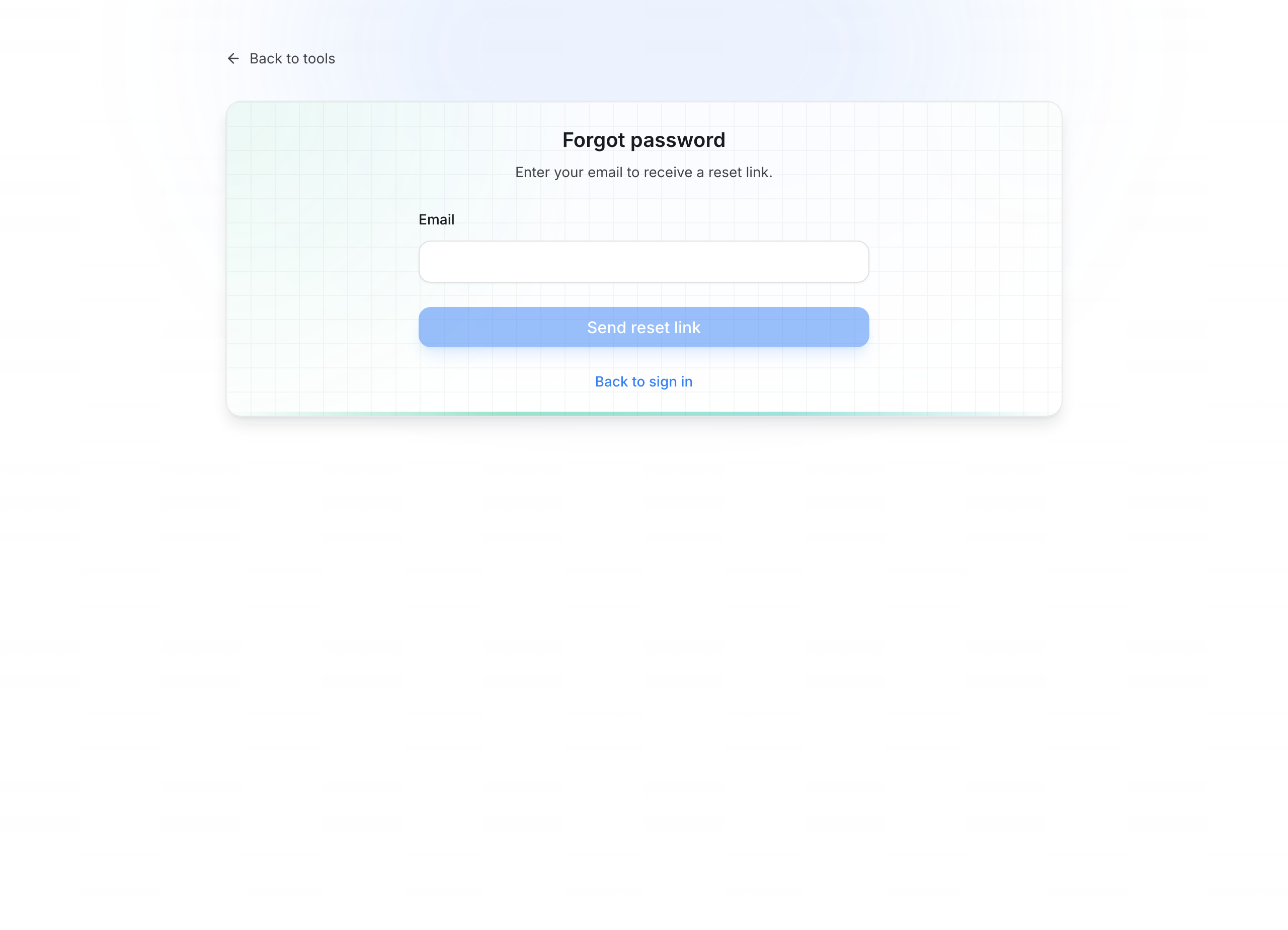
Forgot password
- On the sign-in screen, click Forgot password?
- Enter your email → Send link
- Open the message and set a new password
Forgot password
Email verification
Until your email is confirmed, support stays blocked. Other sections (shares, security…) remain available depending on account status.
Temporary password
If an administrator created your account with a temporary password, the first sign-in opens Set your password. Choose a personal password, then confirm the email link.