Security and sessions
Change the account password and revoke web, desktop, or mobile sessions.
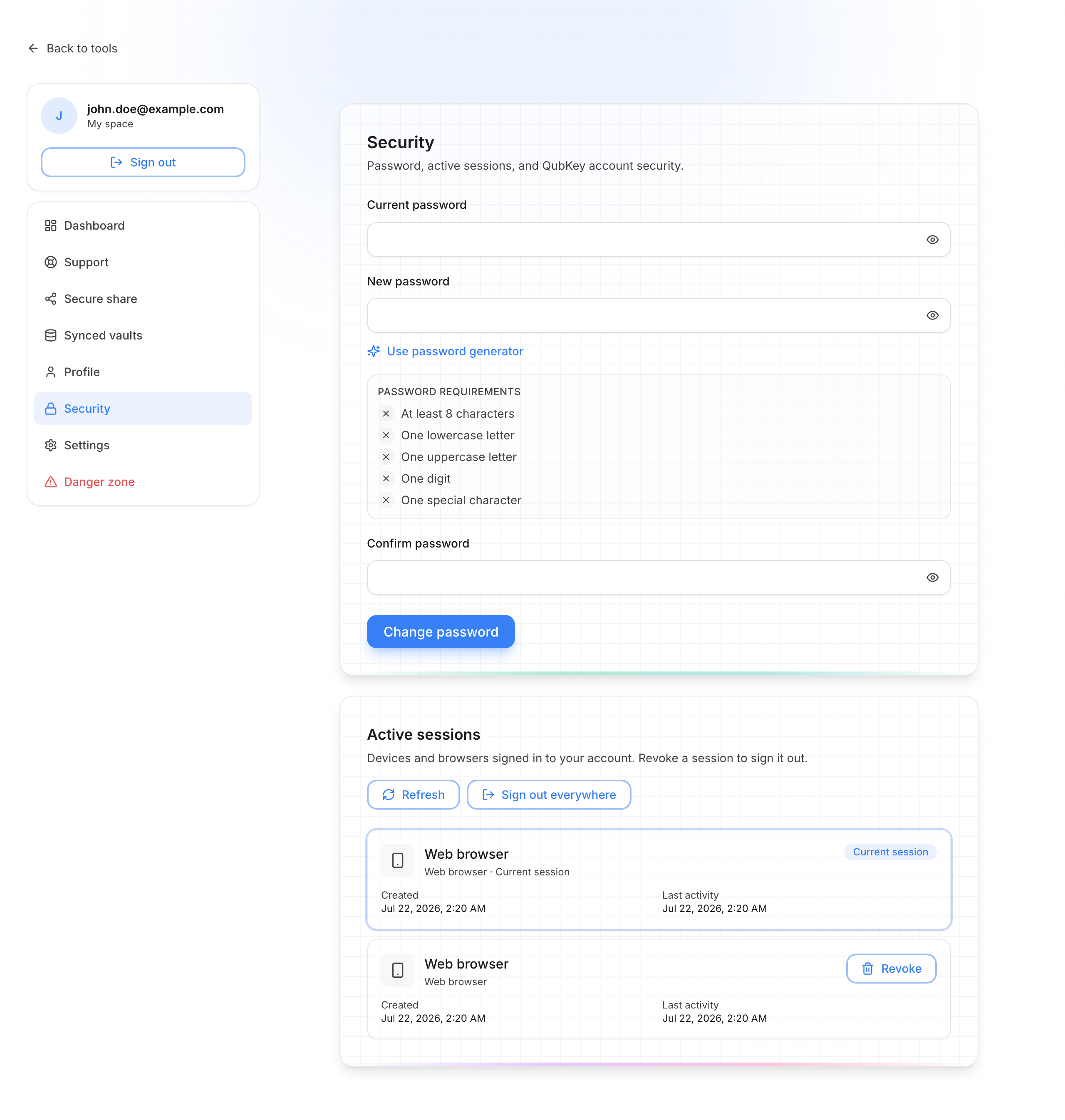
The Security page (/account/security) covers password change and the list of active sessions (web browser, desktop app, mobile).
Security and sessions
The Profile page (/account/profile) shows your email, plan, member-since date, and status (read-only). To change the password or sessions, use Security.
Secure the account
Change the account password
- Enter the current password
- Choose a new password (same rules as sign-up)
- Confirm → Change password
This password protects the QubKey account (site + sync). It is not the vault master password.
Read active sessions
Each row shows the client type (web browser, desktop app, mobile), creation date, and last activity. The current session is marked.
Revoke a session
Click Revoke on a lost device or old browser. That session is signed out immediately.
Sign out everywhere
Sign out everywhere closes all sessions, including the current browser. You will need to sign in again.
Tip
To sign out of this browser only, use Sign out at the top of the sidebar — without affecting other devices.