My space
Share preferences
Default duration, views, and confirmation for new share links.
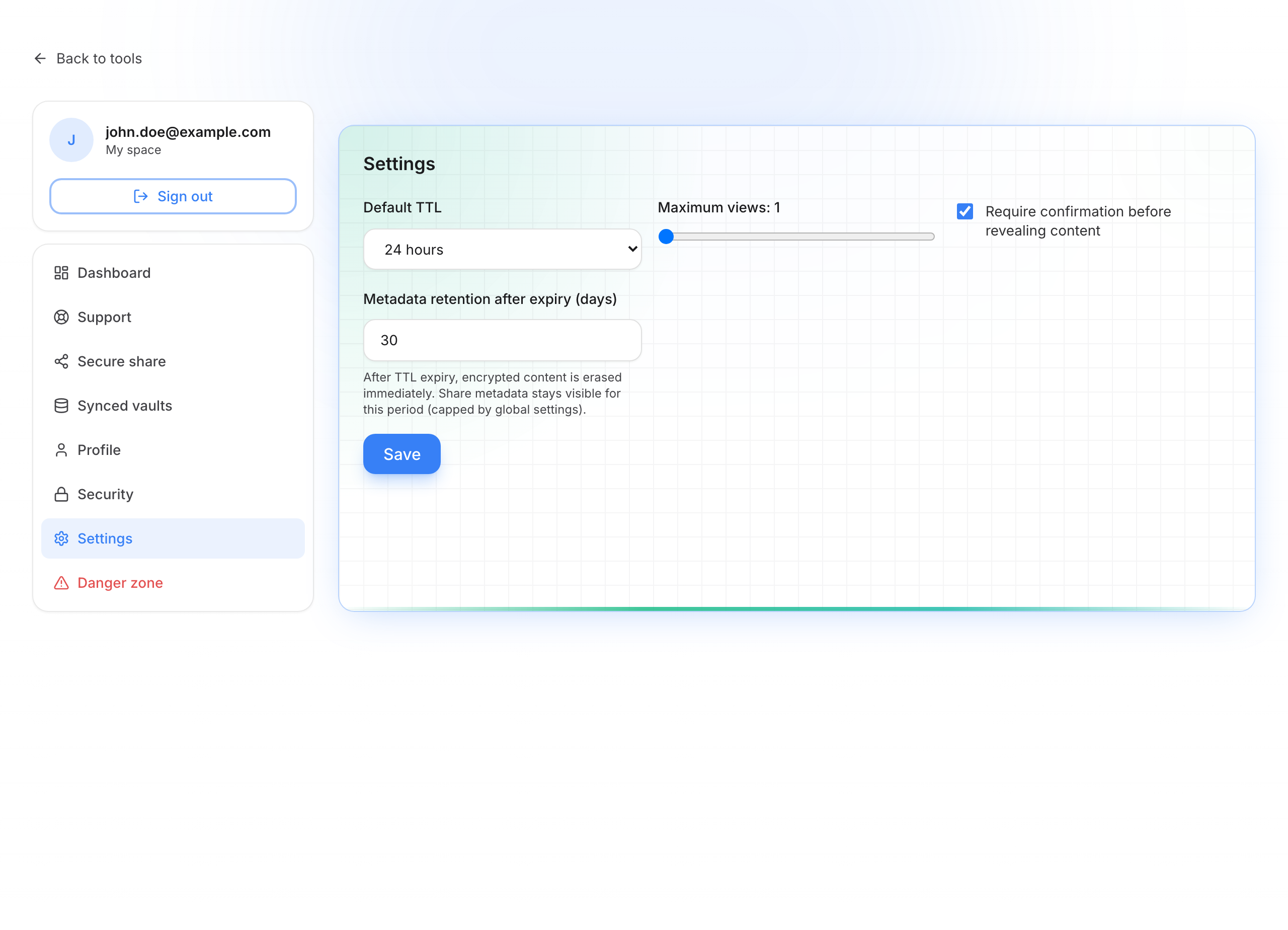
The Settings page in My space (/account/settings) sets the defaults when you create a new share link while signed in. You can still change them at creation time.
Share preferences
Options
| Setting | What it’s for |
|---|---|
| Default duration | How long the link stays valid (e.g. 1 h, 24 h, 7 days…) |
| Maximum views | Default number of allowed opens |
| Require confirmation | Recipient must click before seeing the secret |
| Metadata retention (days) | After expiry, encrypted content is already gone; details (subject, dates…) stay visible in your shares for this period |
Save your preferences
These settings do not change links you already created: they only prefill the form for new shares.
- Open Settings in the My space sidebar
- Choose the default duration, maximum views, confirmation before reveal, and how long metadata is kept
- Click Save and wait for the confirmation message
- Create a link from Secure share: options start from your preferences, and you can still adjust them case by case