Support and tickets
Open a ticket, attach files, and follow the conversation with support.
The Support section (/account/support) is where you contact the QubKey team and track your requests. Your email must be verified (sign-in).
Support ticket list
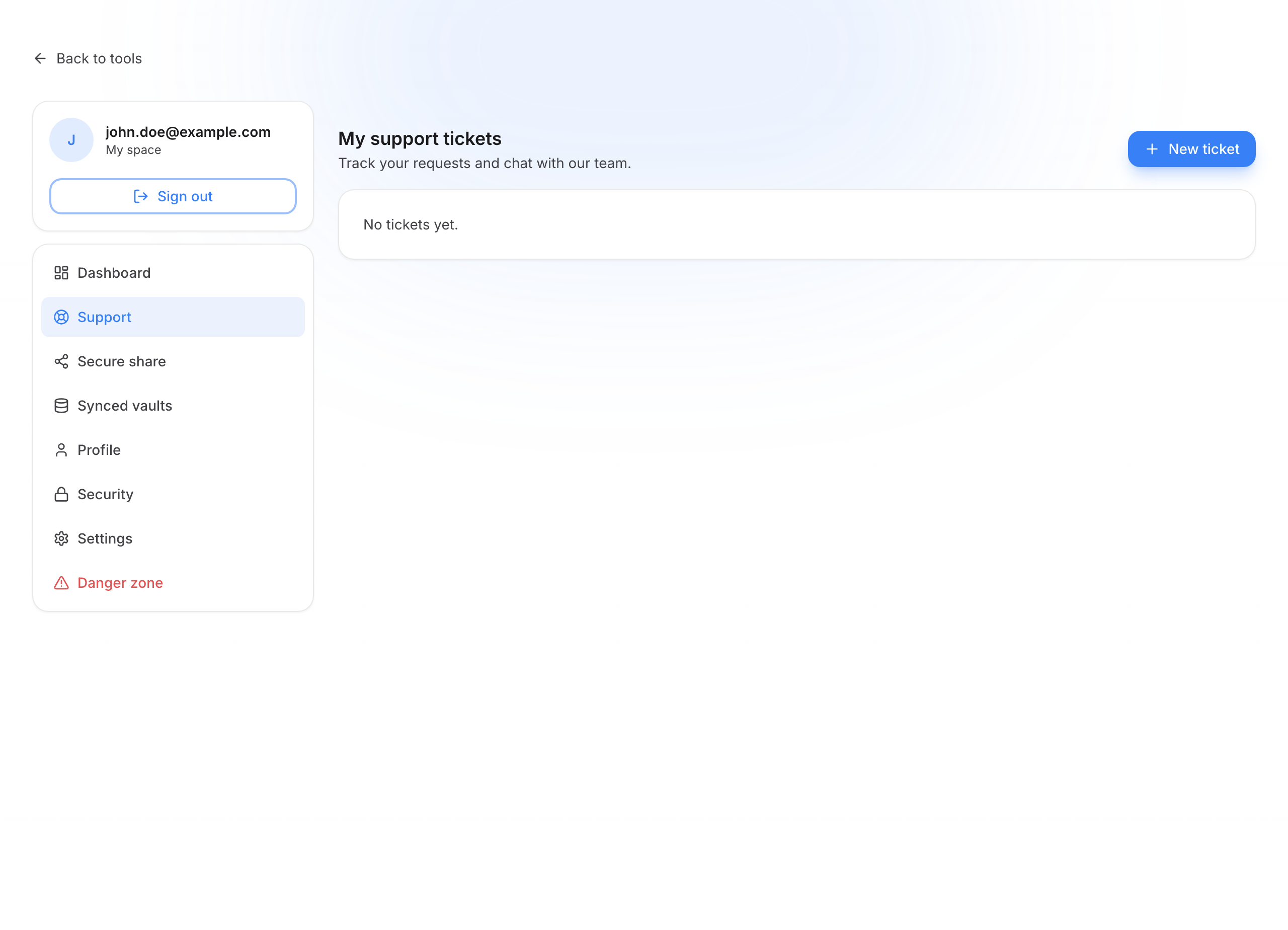
Use support
Open a new ticket
Click New ticket (or /account/support/new).
Create a ticket
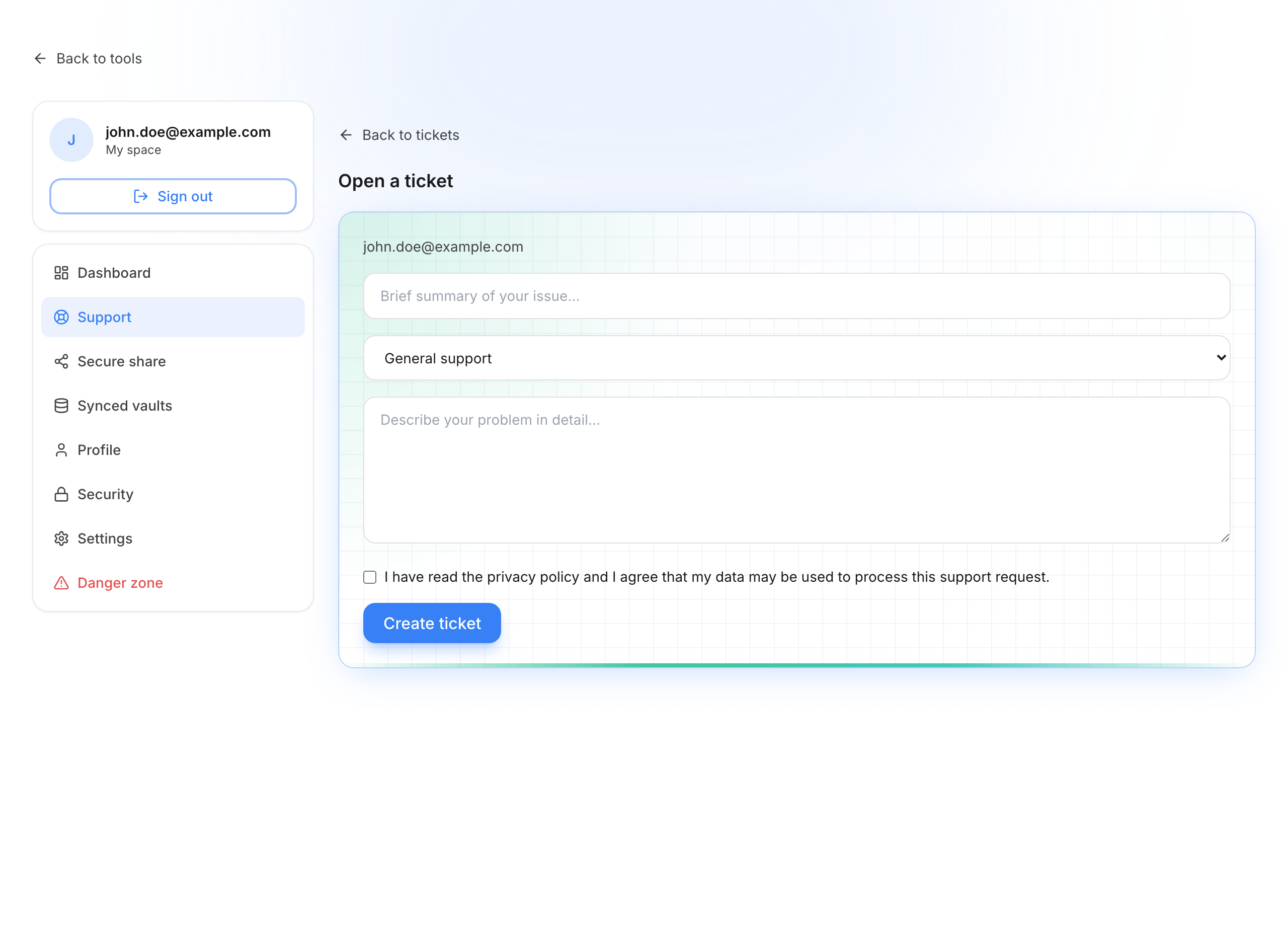
- Subject — short summary
- Category — general, bug, billing, feature, account, other
- Description — explain the issue with useful detail
- Accept the privacy reminder if shown
- Create ticket
Follow the conversation
Open a ticket from the list to see its details. You get the message thread with the team, the ticket status, and a status box that shows where handling stands (for example “waiting for support” or “with the support team”).
Ticket conversation
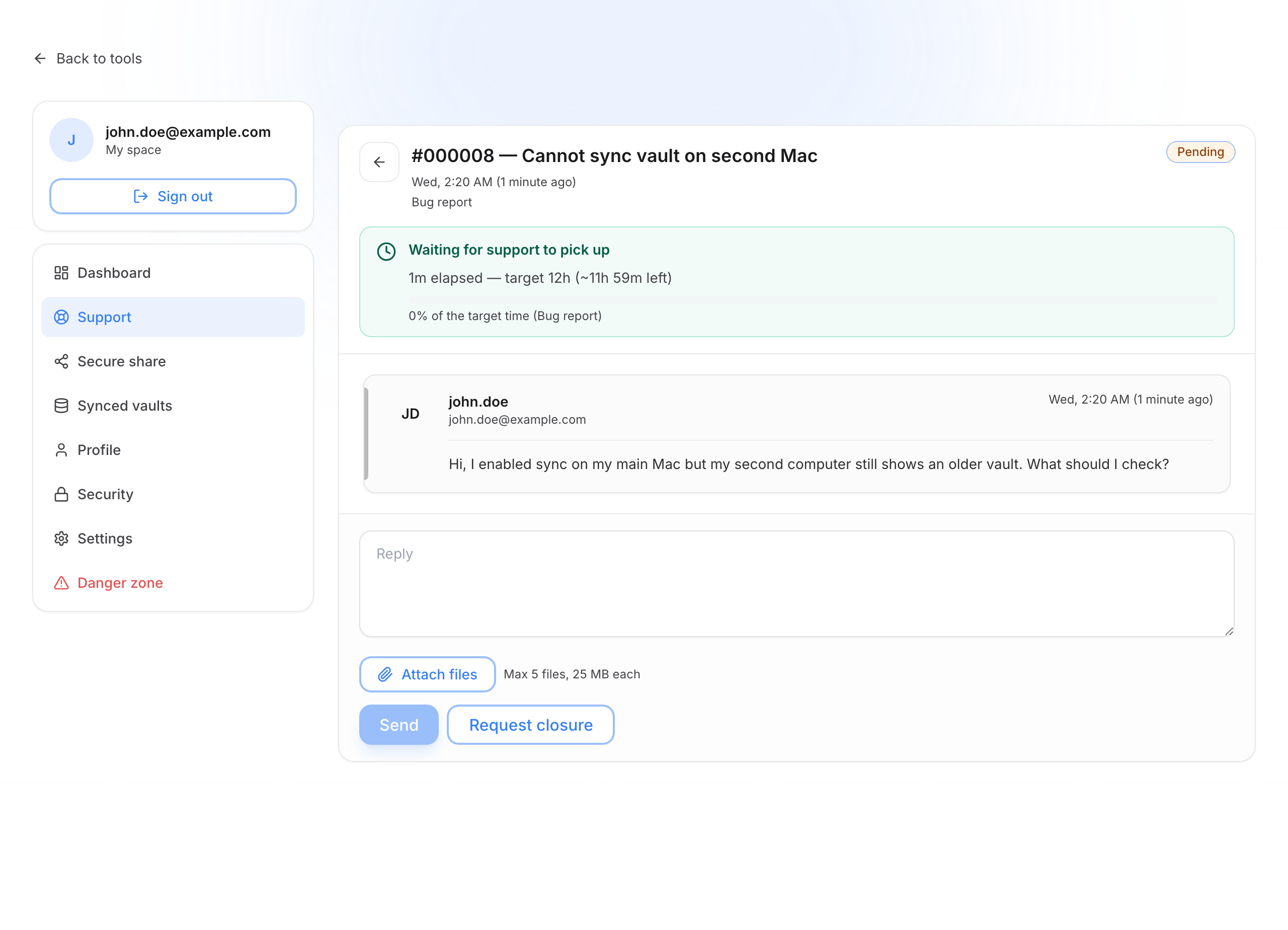
- Reply — type your message in the box at the bottom, then click Send
- Attach files — PDF, images, zip, or text (limits on count and size; each file is scanned before upload)
- Request closure when the issue is resolved, or request reopening if the ticket was closed too early
Read the list
The table shows: No., subject, status (pending, in progress, on hold, solved, closed), timing, and updated. Click a row to open the full conversation.
Email required
If your email is not verified, a page asks you to confirm the account. Support stays unavailable until you do.