Local text encryption
In-browser text encryption for personal use — not for vault files.
The Encrypt / Decrypt tool protects text (a note, a message) with a passphrase you choose. Everything runs in the browser: the server never sees the plaintext or the passphrase.
Open /tools/encrypt from the hub.
Do not encrypt a
.rkveyvault file here — open it only in the desktop app.
Encrypt
Open the Encrypt screen
Read the orange warning (vault files), then leave the Encrypt tab active.
Encrypt tool — form
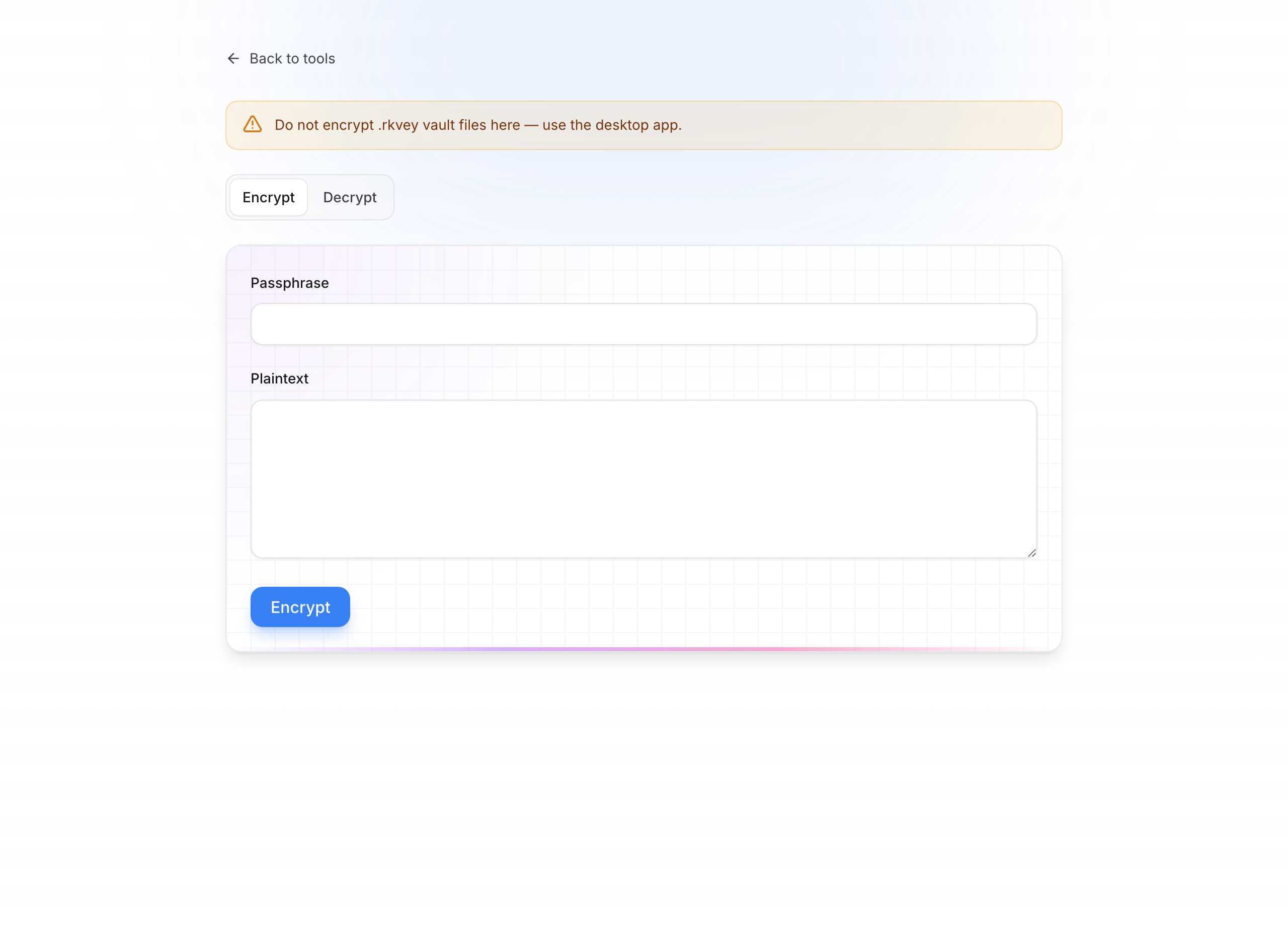
Enter the passphrase
In Passphrase, enter a long unique phrase. You will absolutely need it to decrypt later — QubKey cannot recover it for you.
Paste the plaintext
In Plain text, paste or type the message to protect.
Run encryption
Click Encrypt. A Result block appears with ciphertext (exportable string).
Result after encryption
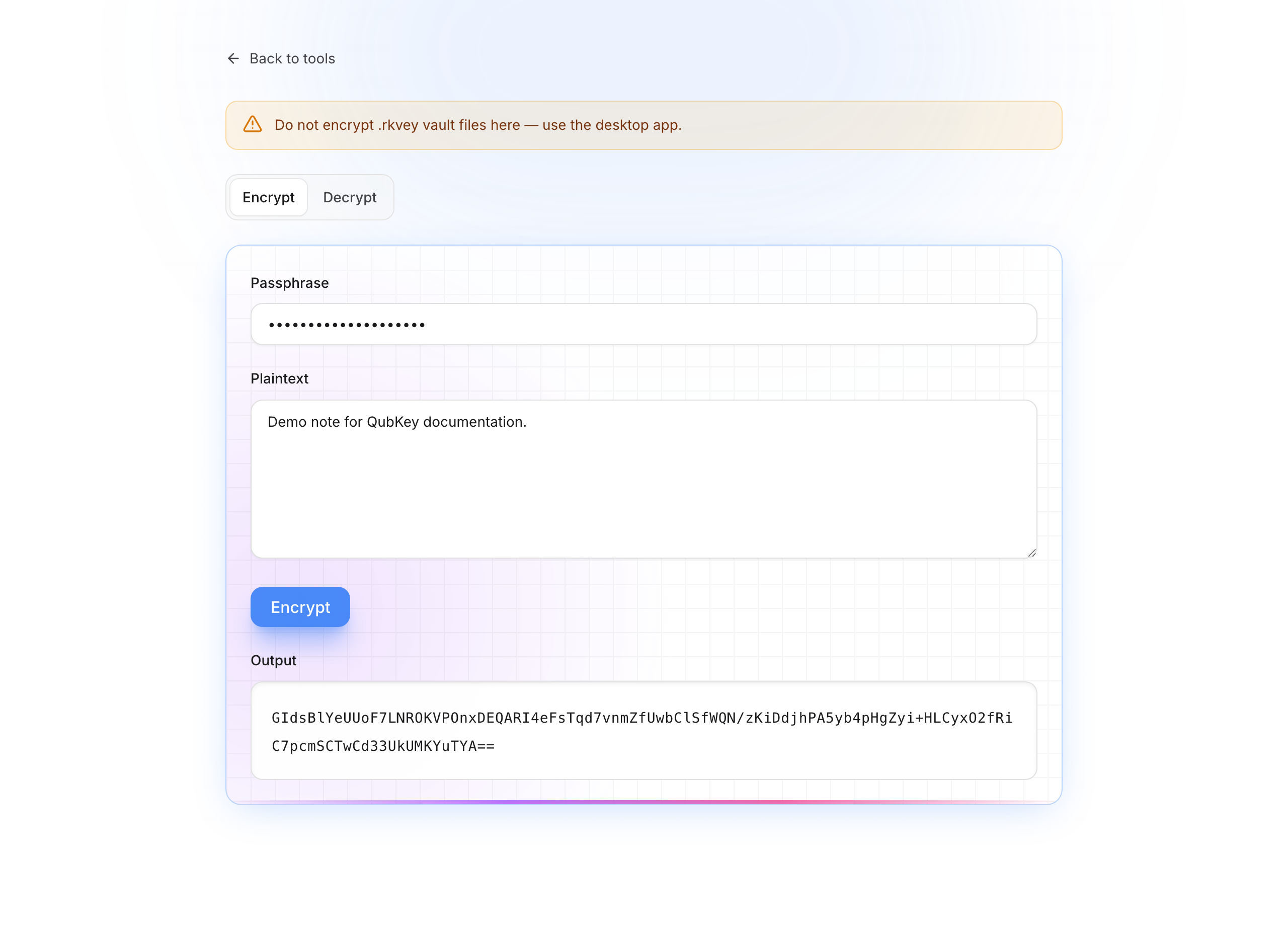
Copy and store the result
Copy the result and keep it where you want (note, email to yourself, etc.). Keep the passphrase separately and safely.
Decrypt
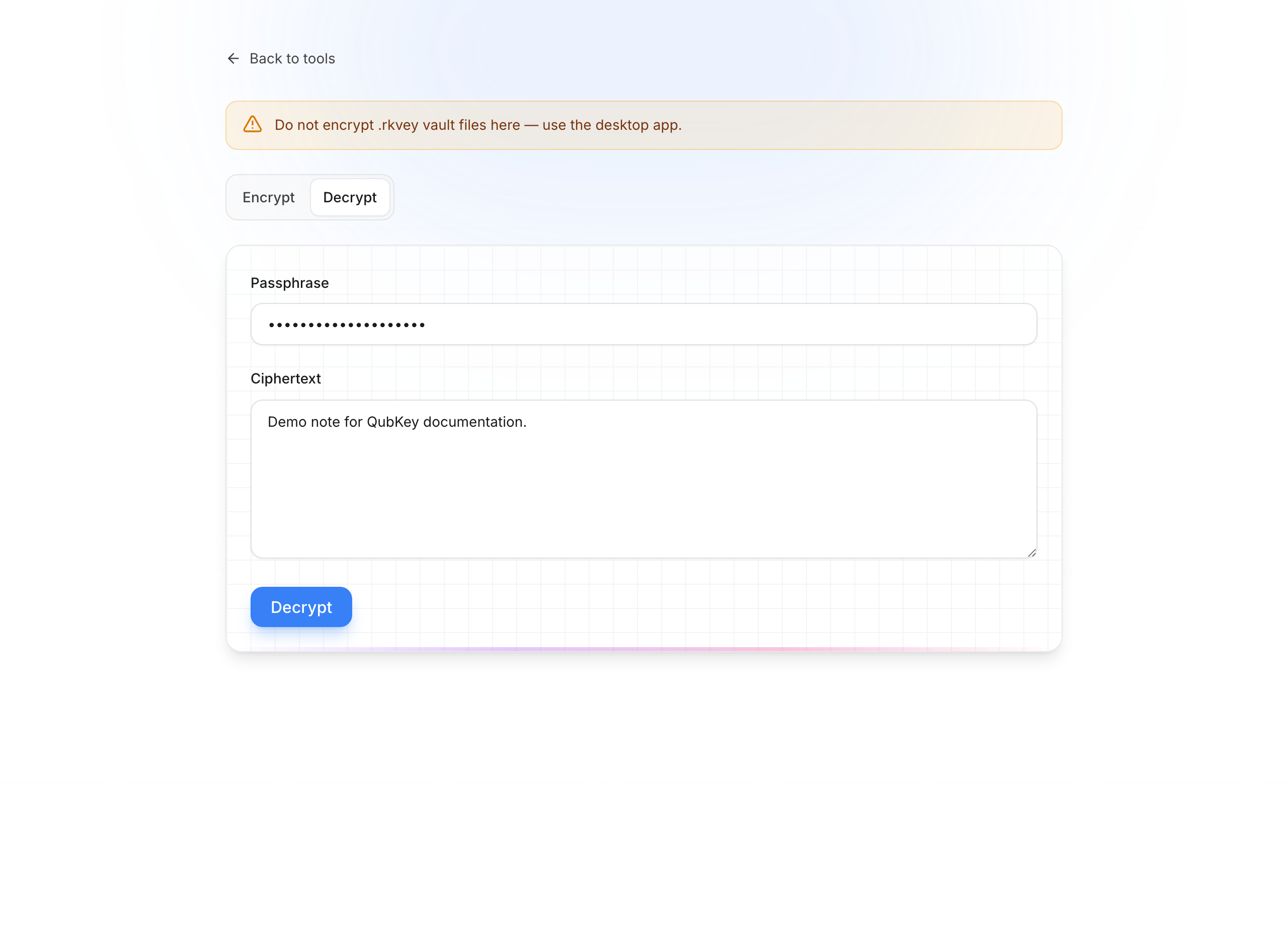
Paste the ciphertext
Paste exactly the result from encryption (no extra spaces).
Enter the same passphrase
Use the same phrase as at creation. One wrong character is enough to fail decryption.
Decrypt
Click Decrypt. Plaintext appears in the result. On failure, check the phrase and pasted text.
When to use it?
| Situation | Yes / No |
|---|---|
| Personal note stored outside the vault | Yes |
| Message to send via a link | Prefer Secure share |
.rkvey vault file | No — desktop app |
| Secret to keep in the vault | Prefer the QubKey app |
Caution
If you lose the passphrase, the ciphertext is unrecoverable. Write it down offline before closing the page.