Features
Folders
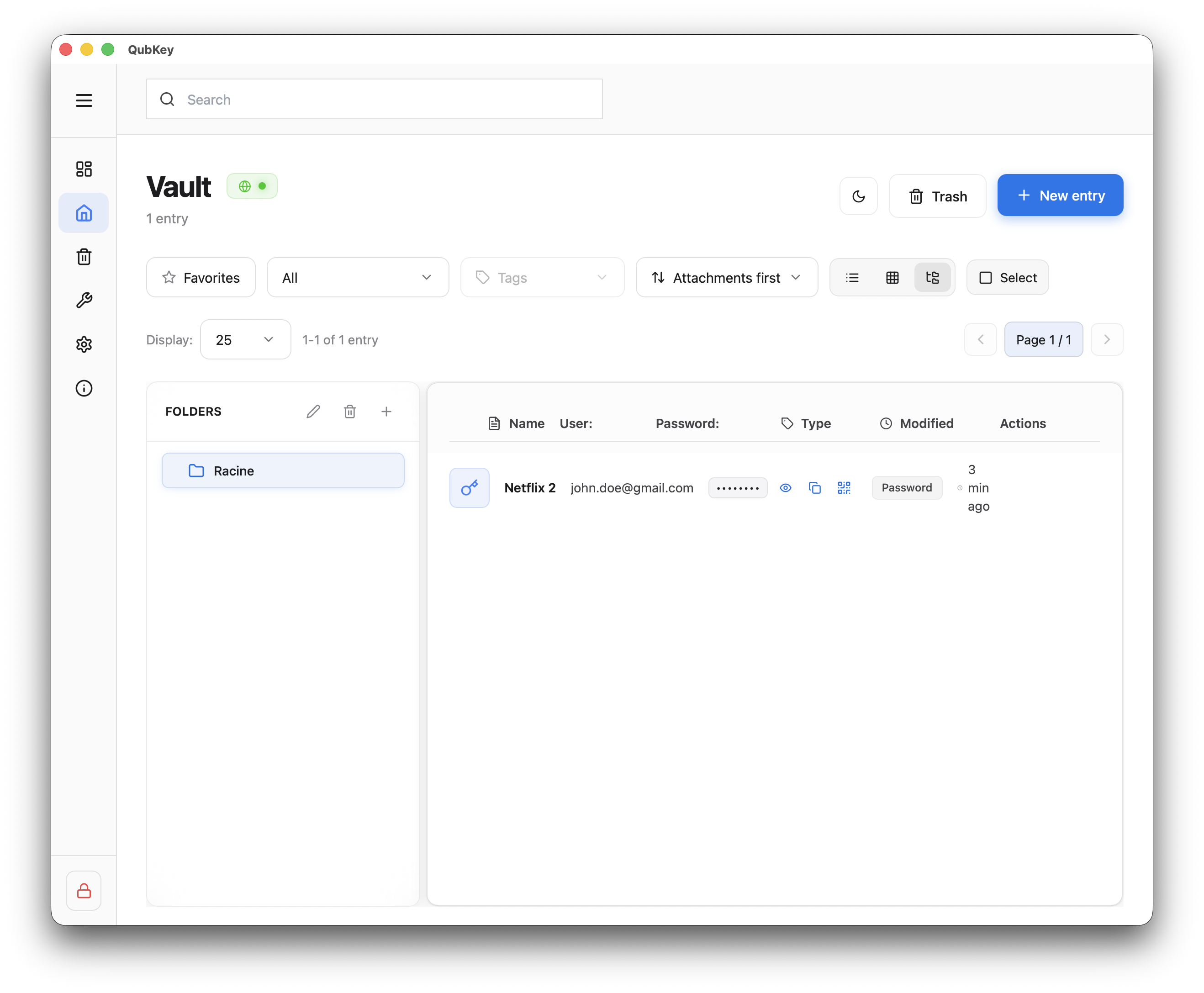
Folder tree, navigation, drag and drop, and list/grid views in the vault.
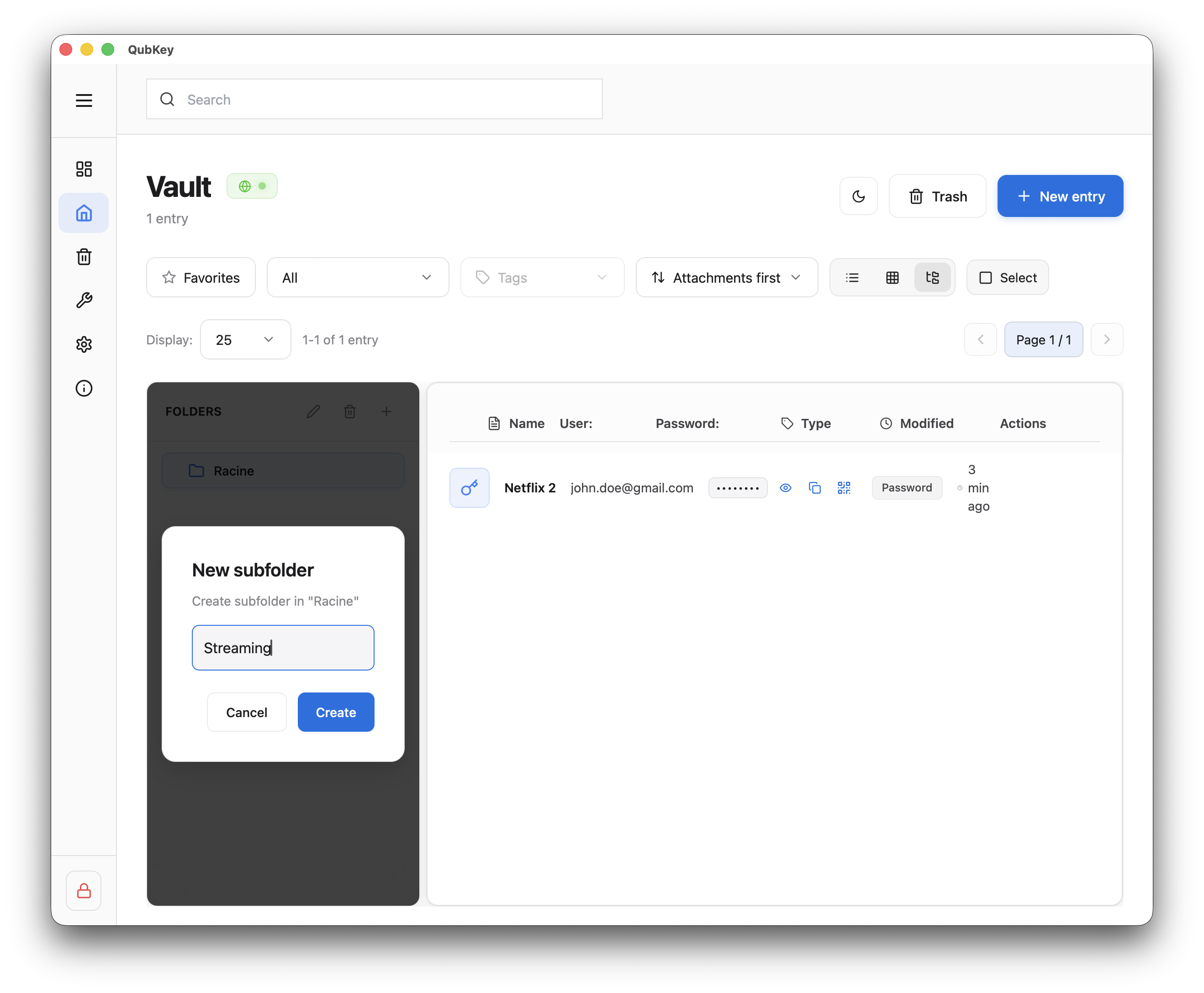
Folders organize entries in a tree in the vault Explorer view. You can create nested folders, filter by folder, and move entries via drag and drop.
Create and navigate
Select a folder
Click a folder — the entry list shows only its contents (subfolders + entries).
Move entries
In explorer view, drag an entry onto a target folder in the tree
Release — the entry is reassigned to the folder (folder_id updated)
You can move multiple entries when multi-select is active
List and grid views
Display
Switch between list and grid from the vault toolbar. Folder filter applies in both views. See also Vault management.